Melody
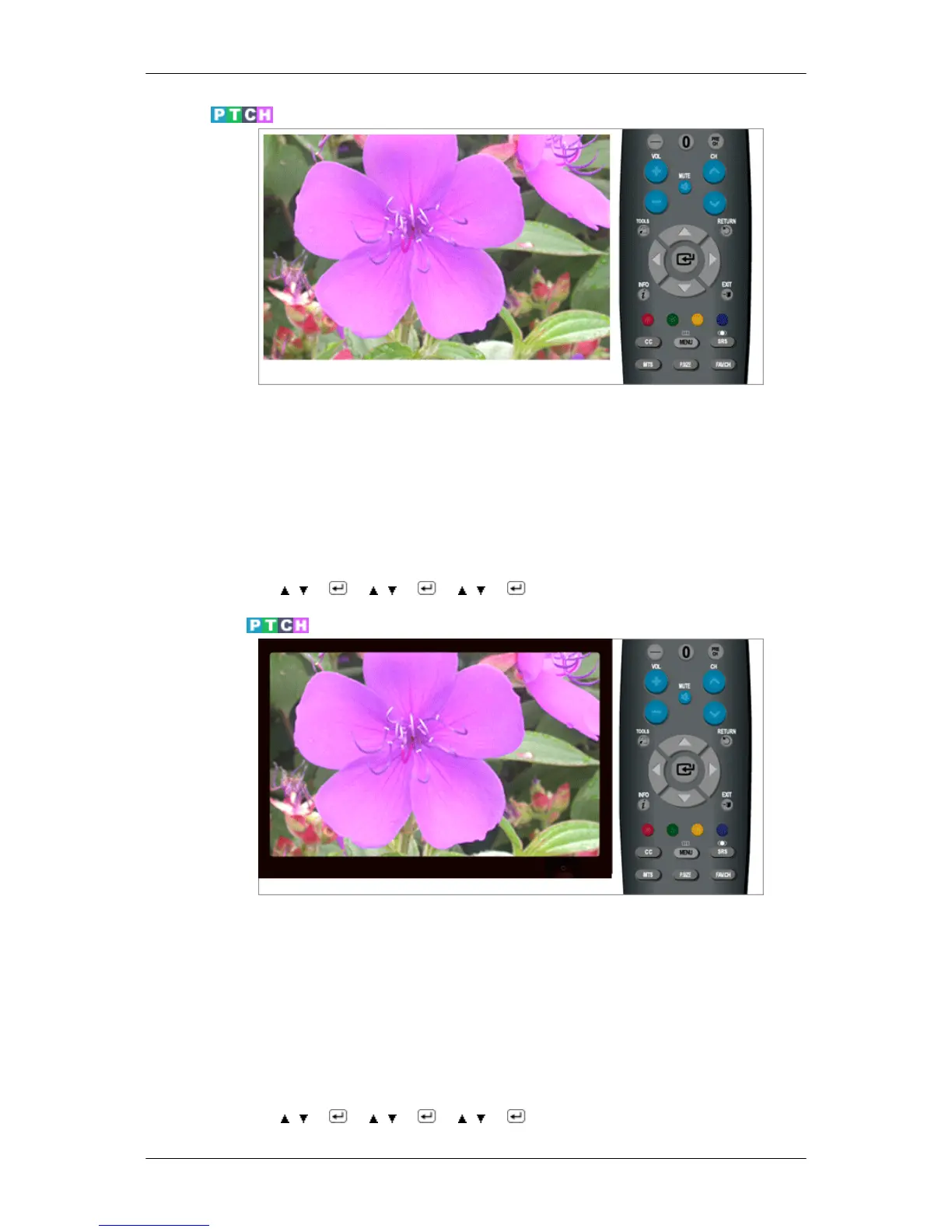
A melody sound can be set to come on when the monitor is powered On or Off.
• Off : Turns off the melody function.
• Low : Sets the melody volume to low.
• Medium : Sets the melody volume to medium.
• High : Sets the melody volume to high.
MENU →
, → → , → → , → → MENU,EXIT
Light Effect
You can turn on/off the LED on the front of monitor according to the situation. Use it for saving power
or when the LED dazzles your eyes.
• Off : LED will not come on.
• In Standby : Turns the LED on in standby mode.
• In Watching TV : Turns the LED on while watching TV.
• Always : LED is always on.
MENU →
, → → , → → , → → MENU,EXIT
Adjusting the Monitor













 To Next Page