MENU → → → , → → MENU,EXIT
Backlight / Contrast / Brightness / Sharpness / Color / Tint
You can use the on-screen menus to change the contrast and brightness according to personal prefer-
ence.
• Backlight : Adjust the screen brightness by adjusting the LCD backlight.
• Contrast : Adjust the Contrast.
• Brightness : Adjust the Brightness.
• Sharpness : Adjust the Sharpness.
• Color : Adjusts the picture color.
• Tint : Adds a natural tone to the display.
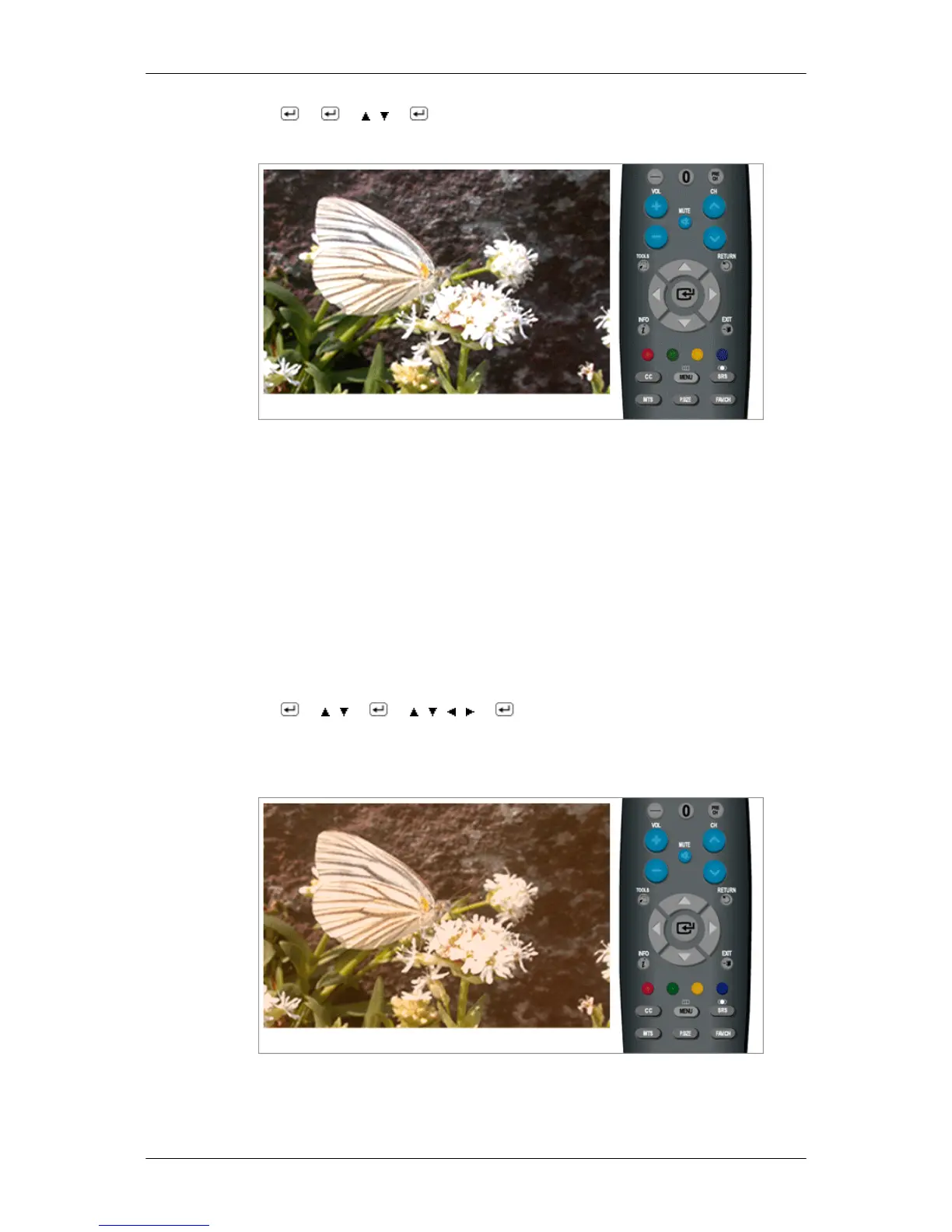
MENU → → , → → , , , → → MENU,EXIT
Picture Options
- Color Tone
The tone of the color can be changed.
Cool1 / Cool2 / Normal / Warm1 / Warm2
Adjusting the Monitor













 To Next Page