Need help?
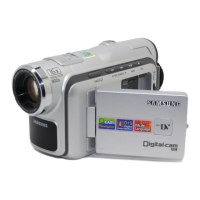
Do you have a question about the Samsung VP-DX10 and is the answer not in the manual?
Explains the meaning of warning icons and signs for user safety.
Provides guidance on handling the camcorder to prevent damage and ensure proper use.
Instructions on attaching and charging the battery pack and using the AC adapter.
Step-by-step instructions for capturing video footage.
Steps to view recorded movie files.
Methods to prevent accidental erasure of important files.
Instructions for removing or duplicating files.
Operations for formatting, finalising, and unfinalising DVD discs.
Solutions for common problems and error messages.
 General
| Sensor Type | CCD |
|---|---|
| Still Image Resolution | 640 x 480 |
| Focus | Auto / Manual |
| Weight (without battery and tape) | 340 g |
| Image Sensor | 1/6 inch |
| Image Stabilizer | Electronic |
| White Balance | Auto |
| Microphone | Built-in |
| USB | USB 2.0 |


 To Next Page