EasyManua.ls Logo

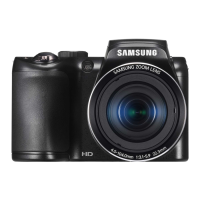
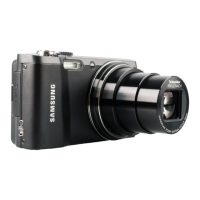
Samsung WB210 - User Manual

Samsung WB210
138 pages
Print Icon
To Next Page IconTo Next Page
Loading...
This user manual includes detailed usage
instructions for your camera. Please read
this manual thoroughly.
Basic troubleshooting
Quick reference
Contents
Basic functions
Extended functions
Shooting options
Playback/Editing
Settings
Appendixes
Index
User Manual
WB210
Ä Click a topic

Table of Contents

Questions and Answers

  • B
    Brent CurtisAug 10, 2025
    What to do if photos are blurred when shooting at night with my Samsung Digital Camera?
    • D
      Dana FitzgeraldAug 10, 2025
      If your photos are blurred when shooting at night, it may be because the camera tries to let in more light, slowing the shutter speed. You can select Night Shot mode, turn on the flash, set ISO sensitivity options, or use a tripod to prevent your camera from shaking.
  • J
    Jeffrey CollinsAug 19, 2025
    How to fix red eye on Samsung Digital Camera photos?
    • T
      Timothy RobinsonAug 19, 2025
      Red eye is caused by the reflection of light from the camera flash off the back of the eye. You can set the flash option to Red-eye or Red-eye Fix. If the photo has already been captured, select Red-eye Fix in the edit menu.
  • M
    michaela76Aug 30, 2025
    Why do subjects come out too dark because of backlighting on my Samsung WB210?
    • T
      Tammy ColemanAug 30, 2025
      Subjects may appear too dark due to backlighting when the light source is behind the subject or when there is a high contrast between the light and dark areas. To resolve this, avoid shooting toward the sun. Also you can set the flash option to Fill in, adjust the exposure, set the Auto Contrast Balance (ACB) option, or set the metering option to Spot if a bright subject is in the center of the frame.

Samsung WB210 Specifications

General IconGeneral
BrandSamsung
ModelWB210
CategoryDigital Camera
LanguageEnglish

Related product manuals