Keyboard
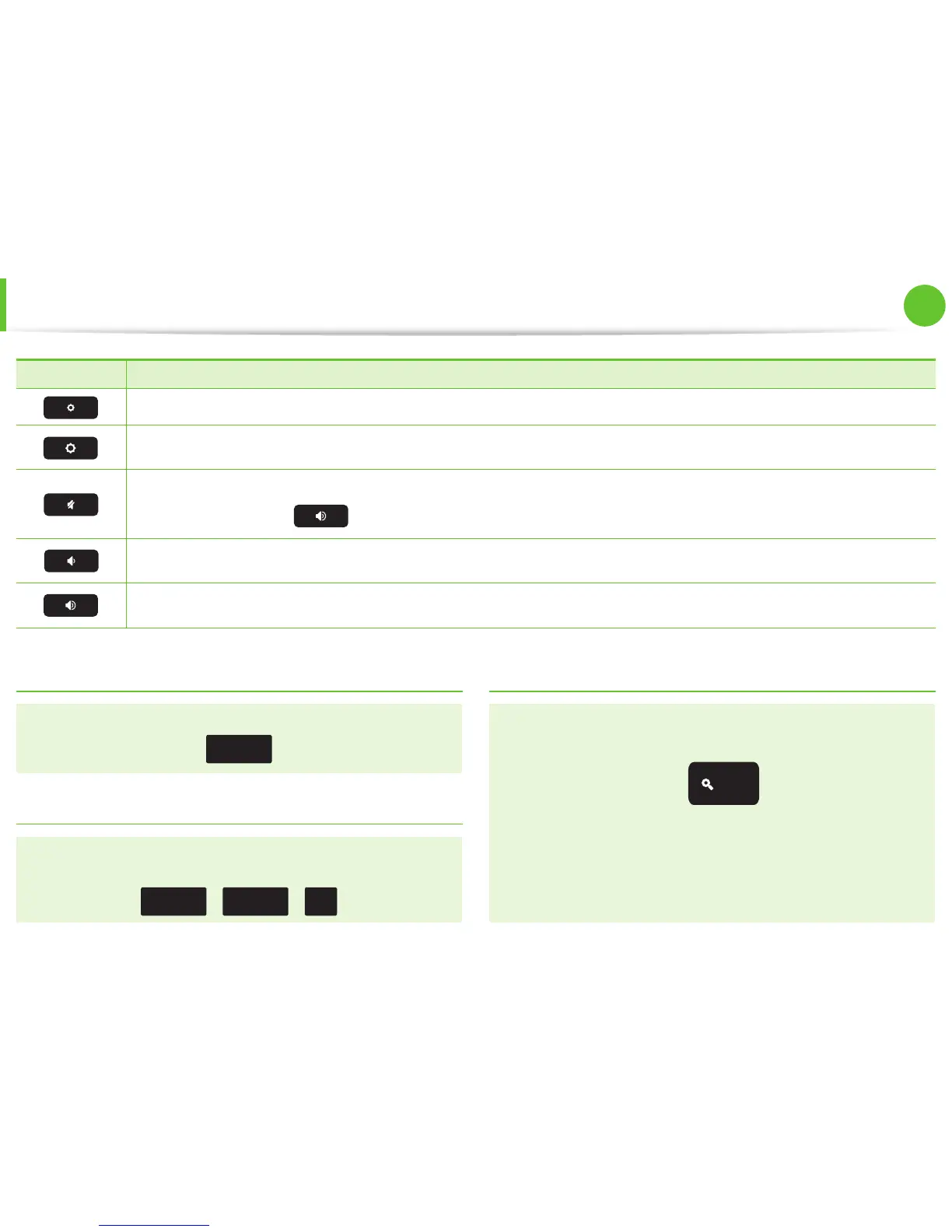
Shortcut Keys Function
Decrease screen brightness.
Increase screen brightness.
Mutes the sound.
In Mute mode, press the
key to cancel the Mute function.
Decrease the volume.
Increase the volume.
Shift key
Hold the Shift key down to enter upper case letters.
shift
Hot key function
Press the following keys at the same time.
You can check the hot keys in Chrome OS.
ctrl
+
alt
+
|
\
Search key
Where you’d nd the Caps Lock key on a traditional keyboard,
we’ve put the Search key.
Press the Search key to move the pointer to the address bar of
the apps list.
If you really need Caps Lock, go to the Settings page to make
the Search key behave like a Caps Lock key.


 To Next Page