Turn the Computer On and O
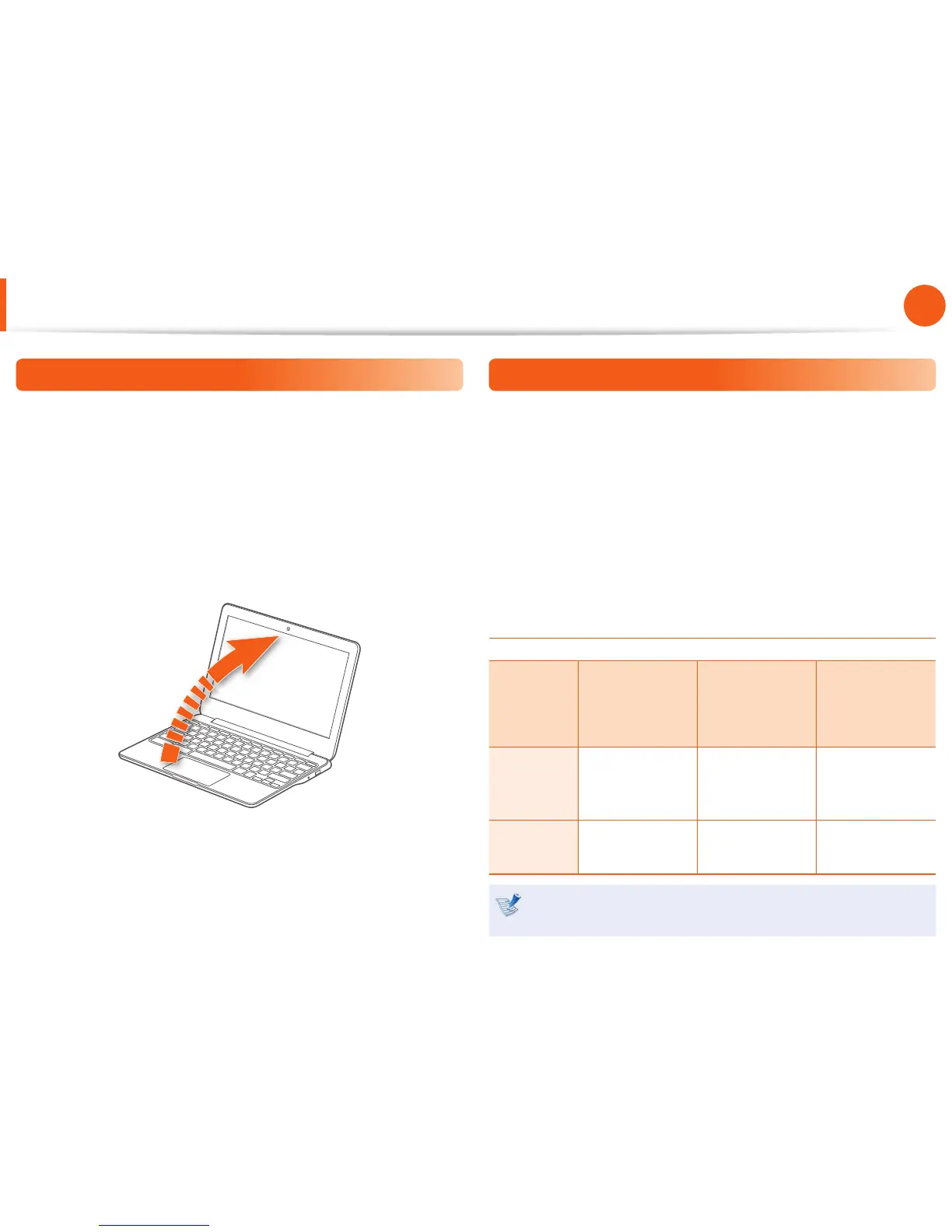
Turn the Computer On
To use the Chromebook, you have to connect to the Internet and
then log in with your Google account.
1
Connect the AC adapter.
2
If you open the LCD panel, the computer is automatically
turned on.
If the LCD panel is already opened, press the power button.
3
Power LED is lit while the computer is turned on.
Turn the Computer O
Press and hold the Power button for about 8 seconds to shut
down the Chromebook.
Press and hold the Power button for about 2 seconds to lock the
system.
In this lock state, press and hold the Power button for 2 seconds to
shut down the Chromebook.
To shut down the Chromebook when the system has frozen
unexpectedly, press and hold the Power button for at least 8
seconds.
Controlling the power of the Chromebook
If the Lid is
closed
When there is
no input for a
predetermined
period of time
If the Power
button is
pressed
Signed-in
state
Enters sleep
mode
Enters sleep
mode
The state
changes to the
signout state.
Signed-out
state
The computer is
turned o
The computer is
turned o
The computer is
turned o
Press any key or swipe the touchpad to wake the
Chromebook from sleep mode.


 To Next Page