Connecting an External Display Device
(Optional)
If you connect an external display device such as a monitor, TV,
projector, etc., you can view the picture on the wider screen of the
external device when you give a presentation or watch a video or
movie.
The following mainly describes the TV.
Before you start, check the port and cable of the external
display device and then connect the display device to the
computer.
About the Connection Cable
Users should additionally purchase the necessary connection
cables.
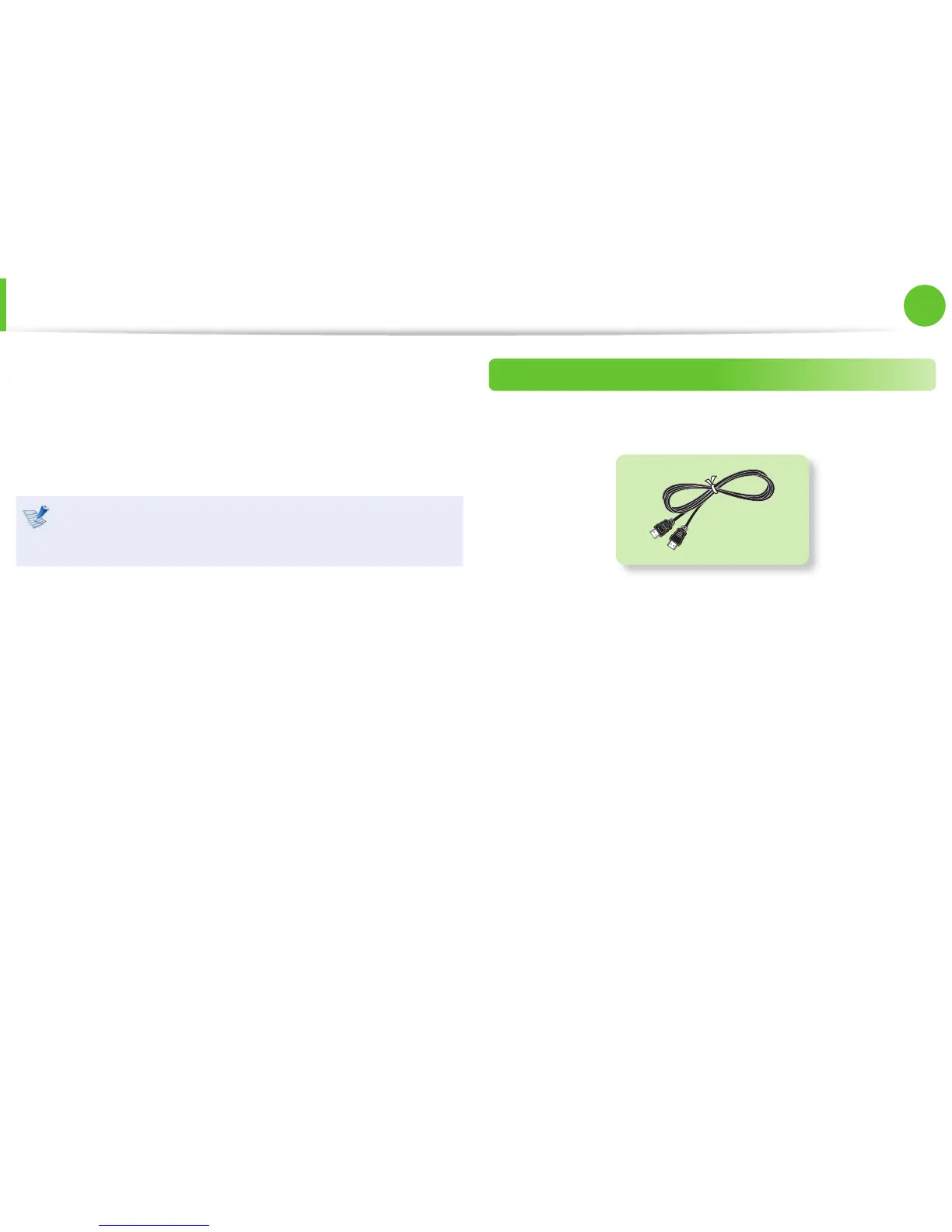
HDMI Cable


 To Next Page