Touch the touchpad with your ngers only. •
Anything other than your ngers, such as a ball-point pen,
will not be recognized by the touchpad.
The pictures in this manual may dier from the actual •
screenshots and the appearance of the touchpad may
dier depending on the model.
Basic Touchpad Functions
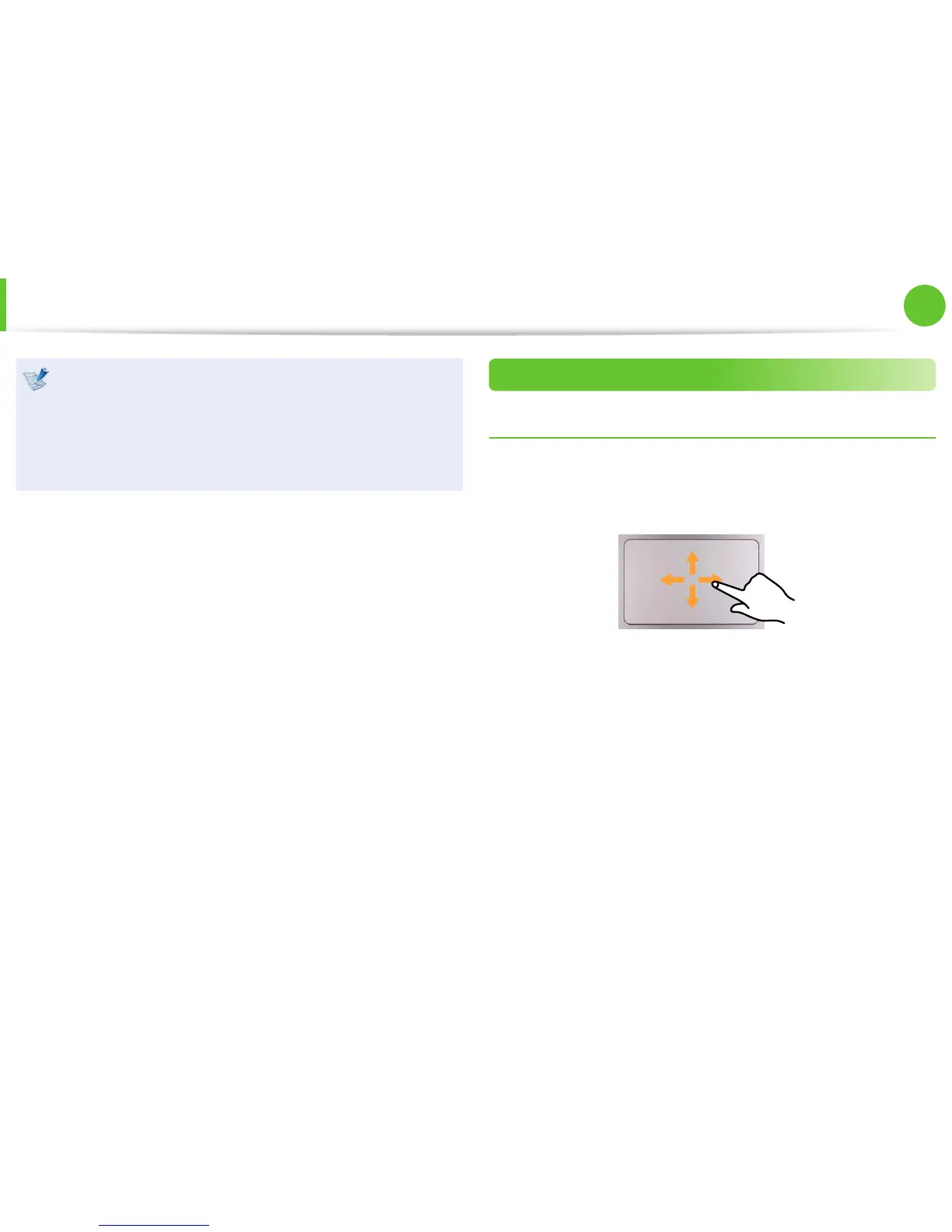
Moving the cursor on the screen
Place your nger on the touchpad slightly and move your nger.
The mouse cursor will move accordingly. Move your nger in the
direction you wish to move the cursor.
Touchpad


 To Next Page