Overview
About the chargeable USB port
It may take longer to charge the battery when charging a •
USB device.
The battery power level may be reduced when charging a •
USB device while the computer is powered by the battery.
The charging status of the USB device is not displayed on •
the computer.
This feature may not be available with some USB devices.•
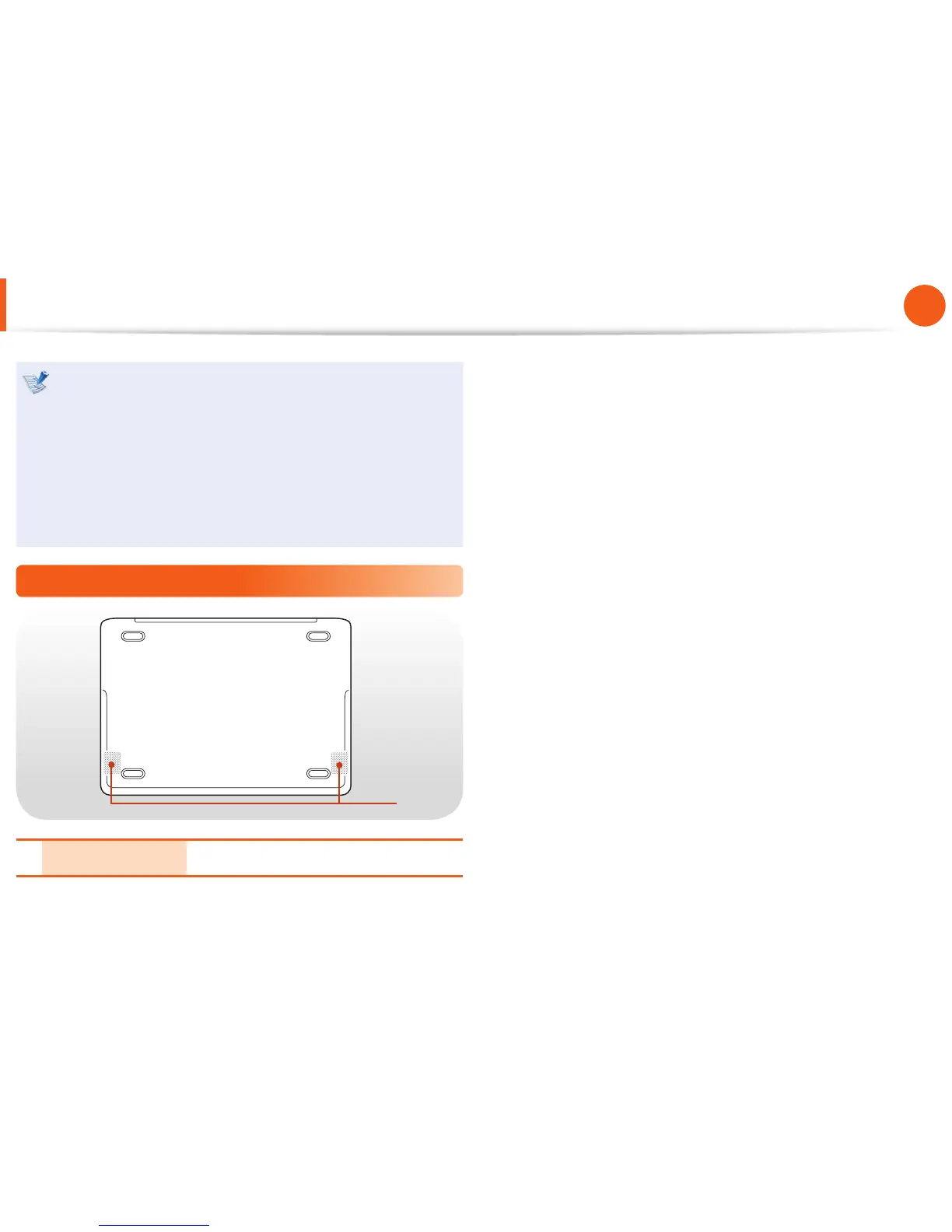
Bottom View
1
1 Speaker The built-in speaker is located here.


 To Next Page