Battery
Measuring the Remaining Battery Charge
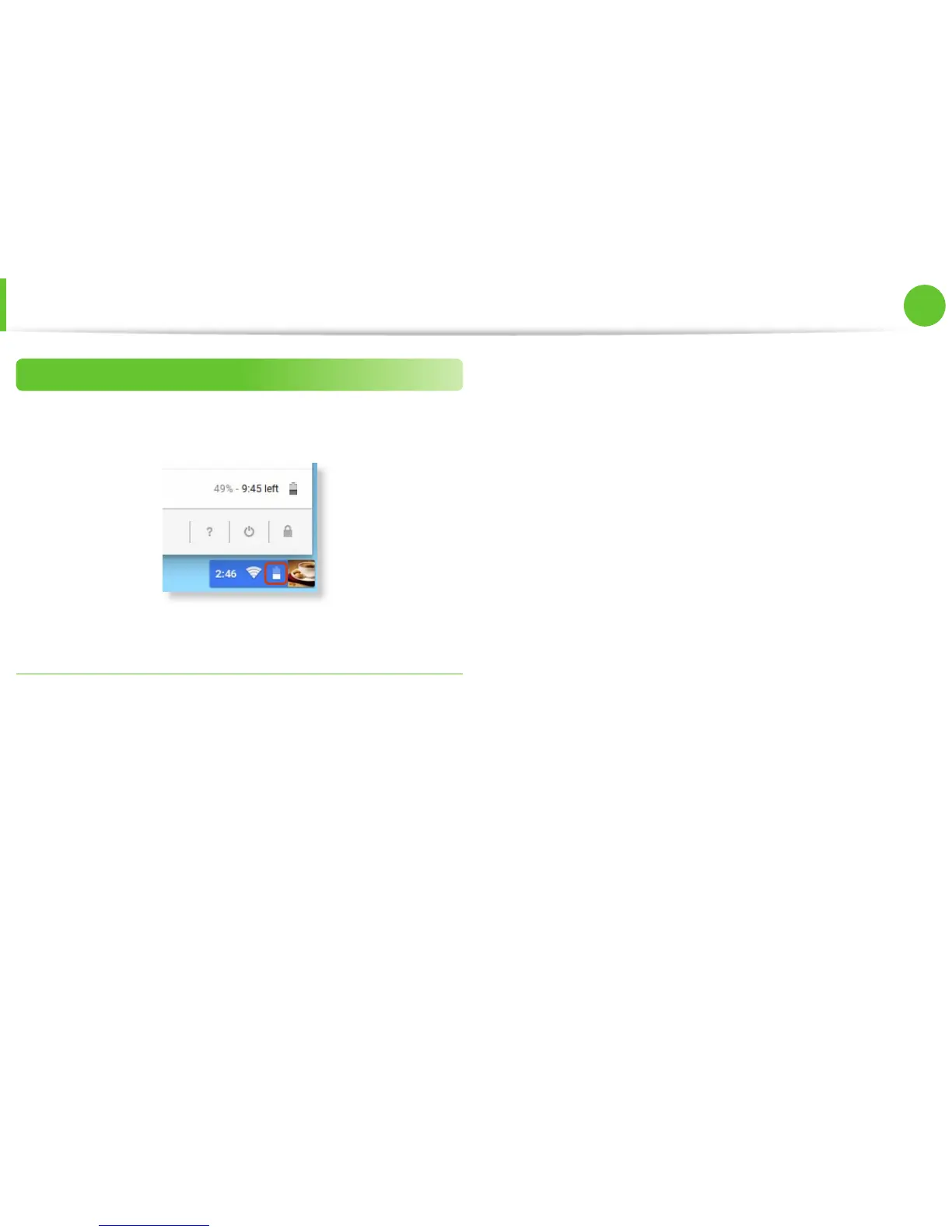
To check the remaining capacity of the battery, click the battery
icon on the bottom- right of the screen.
Battery Usage Time Information
A battery is an expendable supply, so when using it over a long
time, the capacity/battery life is shortened. If the battery life is
reduced to under half of its initial time, we recommend purchasing
a new battery.
When not using the battery for a long time, store the battery after
charging it to 30-40% of its capacity. This extends the battery
lifetime.


 To Next Page