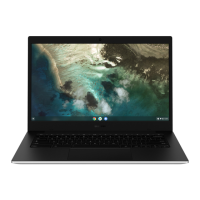
All about Chrome OS
Usage Precautions
Some functions and screenshots are subject to change •
depending on the Chrome version.
To sign-in, you need a Google account. If you do not have a •
Google account, you can create one or connect with a guest
account. Some functions may not be available when signed in
as a guest.
You may experience limitations using the product under the •
following circumstances. Please refer to the link.
- When reading from or writing to external storage devices
with the ling system. (https://support.google.com/
chromebook/answer/183093?hl=en)
- When playing certain local video or music les. (https://
support. google.com/chromebook/answer/183093?hl=en)
- When using a local printer. (https://support.google.com/
chromebook/topic/2586004?hl=en&parent=2586068&ctx=to
pic)
For additional inquiries about the Chrome operating system or •
applications, visit https://support.google.com/chromebook
If you have a problem while using the Chromebook hardware, •
please visit http://www.samsung.com/sec/support/guarantee.
do.


 To Next Page