TRAFFIC DISPLAY INTERFACE
82005-PG-D SANDEL SN3500 EHSI PILOT’S GUIDE PAGE 8-5
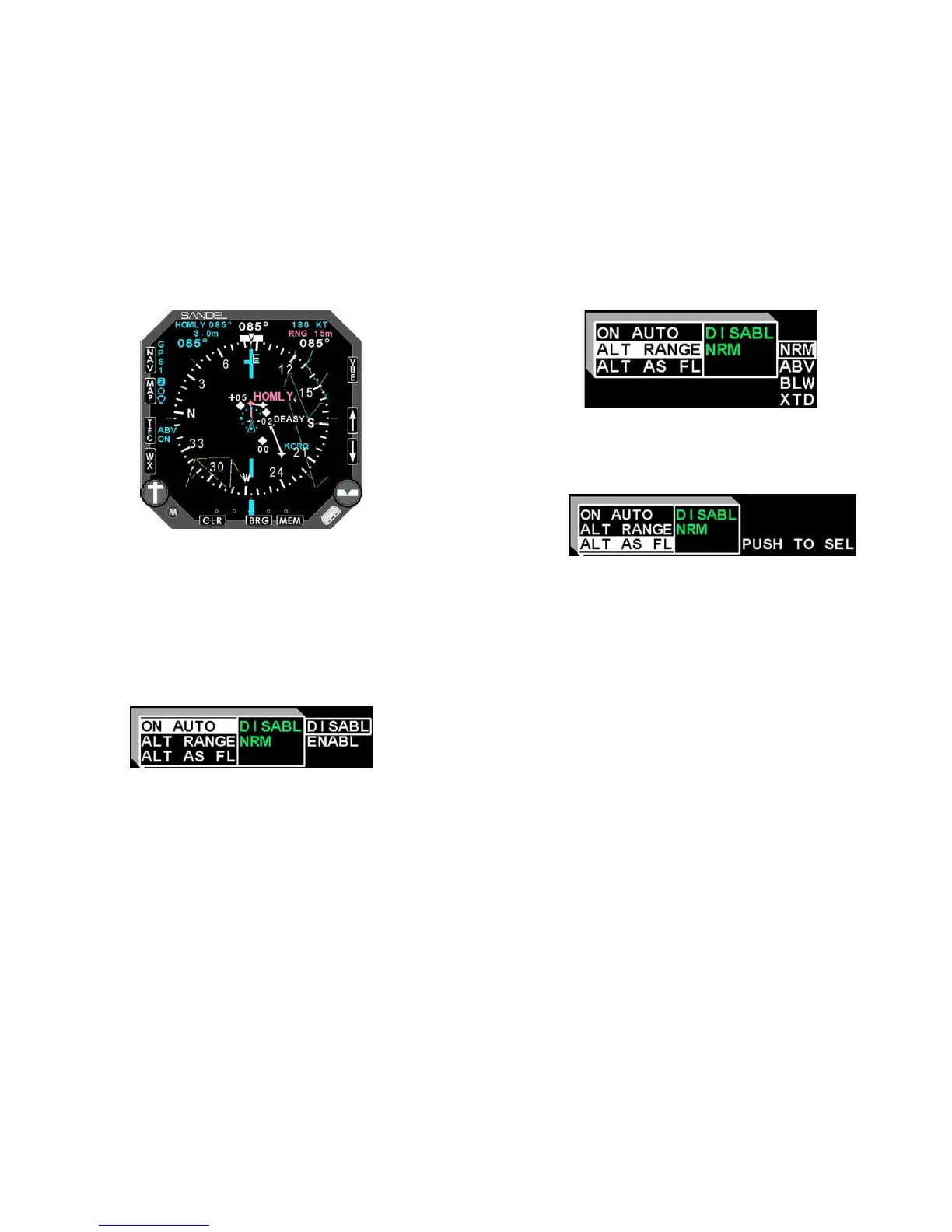
Figure 8-2 Traffic with moving map
TFC Menu
Additional traffic options can be accessed by pressing [M] and then
[TFC]. The traffic setup menu will be displayed.
The following options are available:
• ON AUTO: Enables or disables map auto-ranging when
alerting traffic is displayed and the traffic display mode is set
to ON.
Figure 8-3 ON AUTO menu
• ALT RANGE (Ryan 9900BX TAS Only): Selects the
desired altitude mode display. When interfaced with a
traffic processor other than the Ryan 9900BX, the altitude
mode will be selected by remote switches or by controls on
the ‘master display’.
TRAFFIC DISPLAY INTERFACE
82005-PG-D SANDEL SN3500 EHSI PILOT’S GUIDE PAGE 8-6
Figure 8-4 Altitude range menu
• ALT AS FL (Ryan 9900BX TAS Only): Changes the altitude
of target aircraft to be shown as absolute altitude instead of
relative altitude for 30 seconds.
Figure 8-5 Altitude as flight level menu


 To Next Page