28
Using the Fan Mode
1. Press MODE and select “Fan”.
2. Press FAN on the unit or FAN SPEED on the remote control to select the fan speed.
Using the Auto Mode
Under auto mode, the unit will automatically set to cool or fan operation depending on the
temperature you have selected and the room temperature. You cannot adjust the fan speed
manually.
Press MODE and select “Auto”.
Using the Cool Mode
1. Press MODE and select “Cool”.
2. Press
/v on the unit or TEMP on the remote control to select the temperature.
3. Press FAN on the unit or FAN SPEED on the remote control to select the fan speed.
Enabling/Cancelling Sleep Mode
When sleep mode is enabled, the selected temperature will adjust automatically by 1°C/2°F. This
newly adjusted temperature will be maintained for 7 hours. Then it will return to the original
selected temperature.
• To enable sleep mode, select the desired temperature. Then press SLEEP.
• To cancel sleep mode, press SLEEP.
Sleep mode is not available in fan and dry modes.
Cleaning and Maintenance
Make sure to unplug the unit before cleaning and maintenance.
Cleaning the Exterior
• Use a soft cloth to wipe down the exterior.
• Do NOT use any abrasive cleaning agents or detergents.
• Do NOT immerse any part of the unit in water or any other liquid.
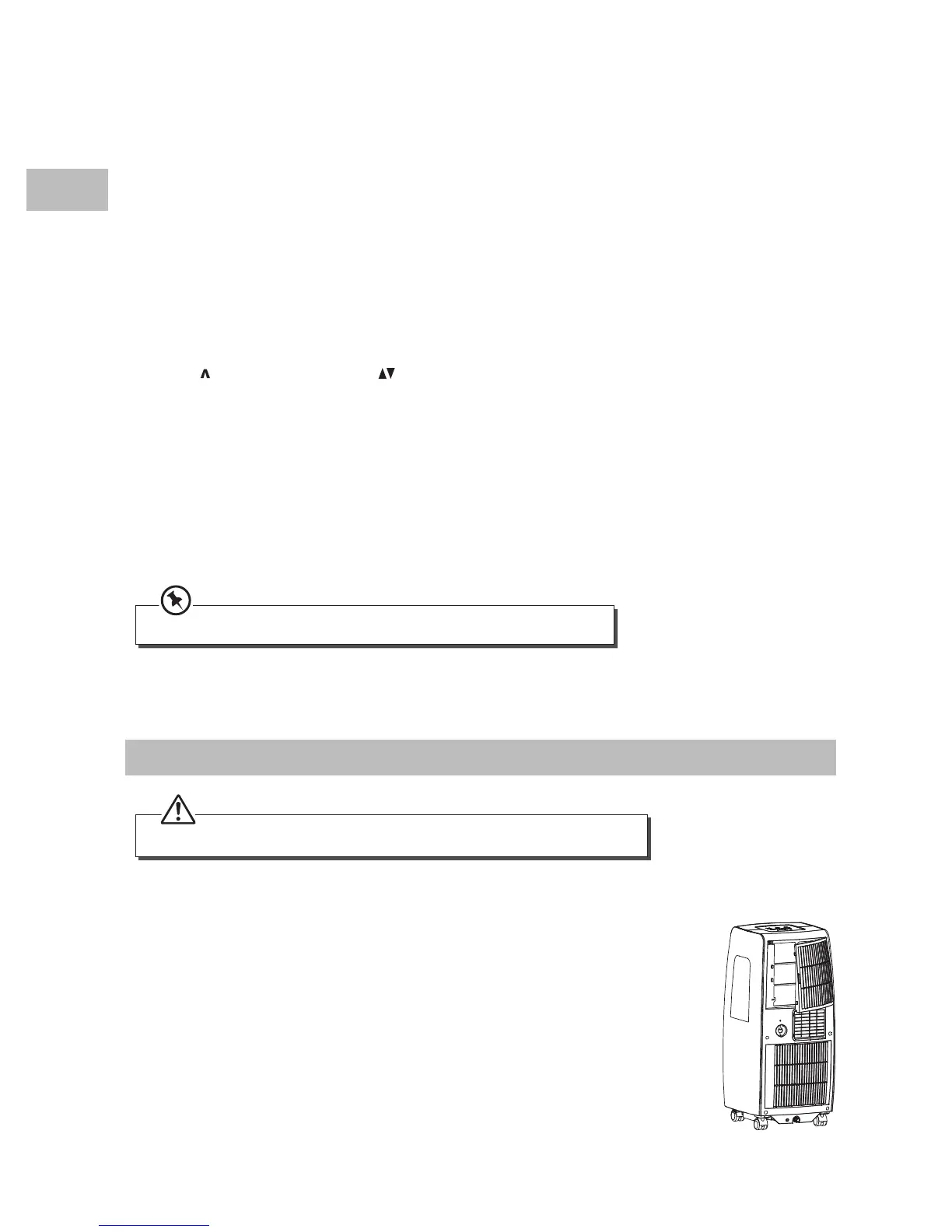
Cleaning the Upper Filter
1. Pull out the lter.
2. Clean the lter in warm water with neutral detergent.
3. Make sure the lter is thoroughly dry before installing back.
SAC07C15E_IB_5L_150126_grace.indd 28 26/1/15 5:22 pm


 To Next Page