GB-14
Safety Warnings Product Overview Connections MaintenanceOperation Hints and Tips
and Specification
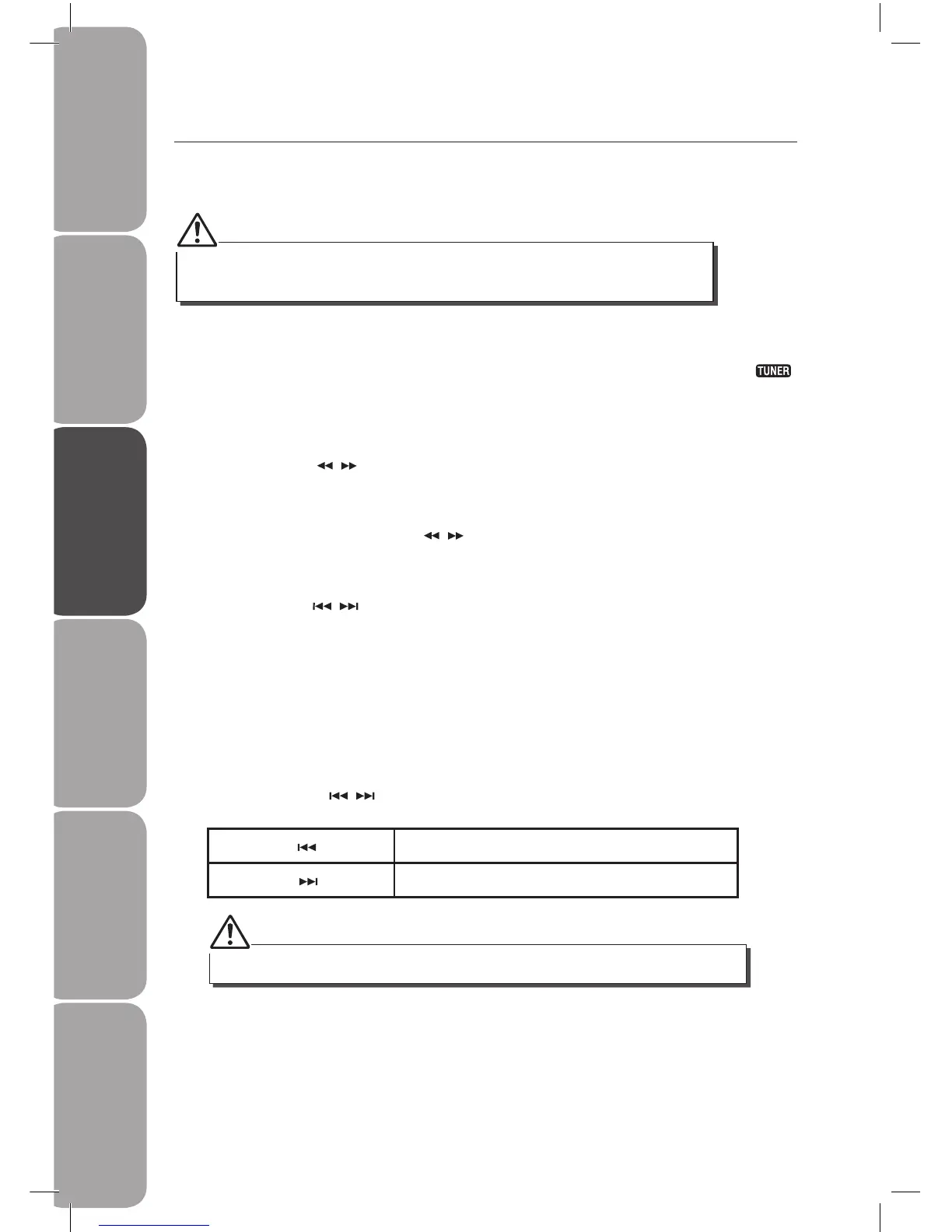
Listening to Radio Broadcasts
You can listen to FM stations. Stations can be tuned in manually, automatically, or from
preset memory storage.
Tuning in a Station
1. Press the FUNCTION button repeatedly on the front of the amplifIer or press the
on the remote control to select tuner function.
2. Select a station using one of the following methods.
• Manual Tuning
Press the TUNING / button repeatedly to change the frequency until you nd the
station you want.
• Auto Tuning
If you press and hold the TUNING / button for one second or more, the frequency
changes down, or up, automatically until a station is found.
• Preset Tuning (Possible only after presetting stations)
Press the PRESET / button repeatedly to select the desired preset number. Its band
and frequency are shown on the display.
Presetting Stations
You can preset up to 16 FM stations.
Tune in the desired station:
1. Press the PROG button on the remote control, the “PROG” will ash on the display and
the preset number will be displayed.
2. Press the PRESET / button to select the preset number.
PRESET
–
/ Decreases the preset number by 1
PRESET
+
/ Increases the preset number by 1
If you select more than 16, the preset number will be changed to “1” automatically.
Before listening to the radio, please check that the FM antenna is correctly connected and
adjusted for length and direction or that the unit is connected to an external FM antenna.



 To Next Page