GB-16
Safety Warnings Product Overview Connections MaintenanceOperation Hints and Tips
and Specification
CD Operation
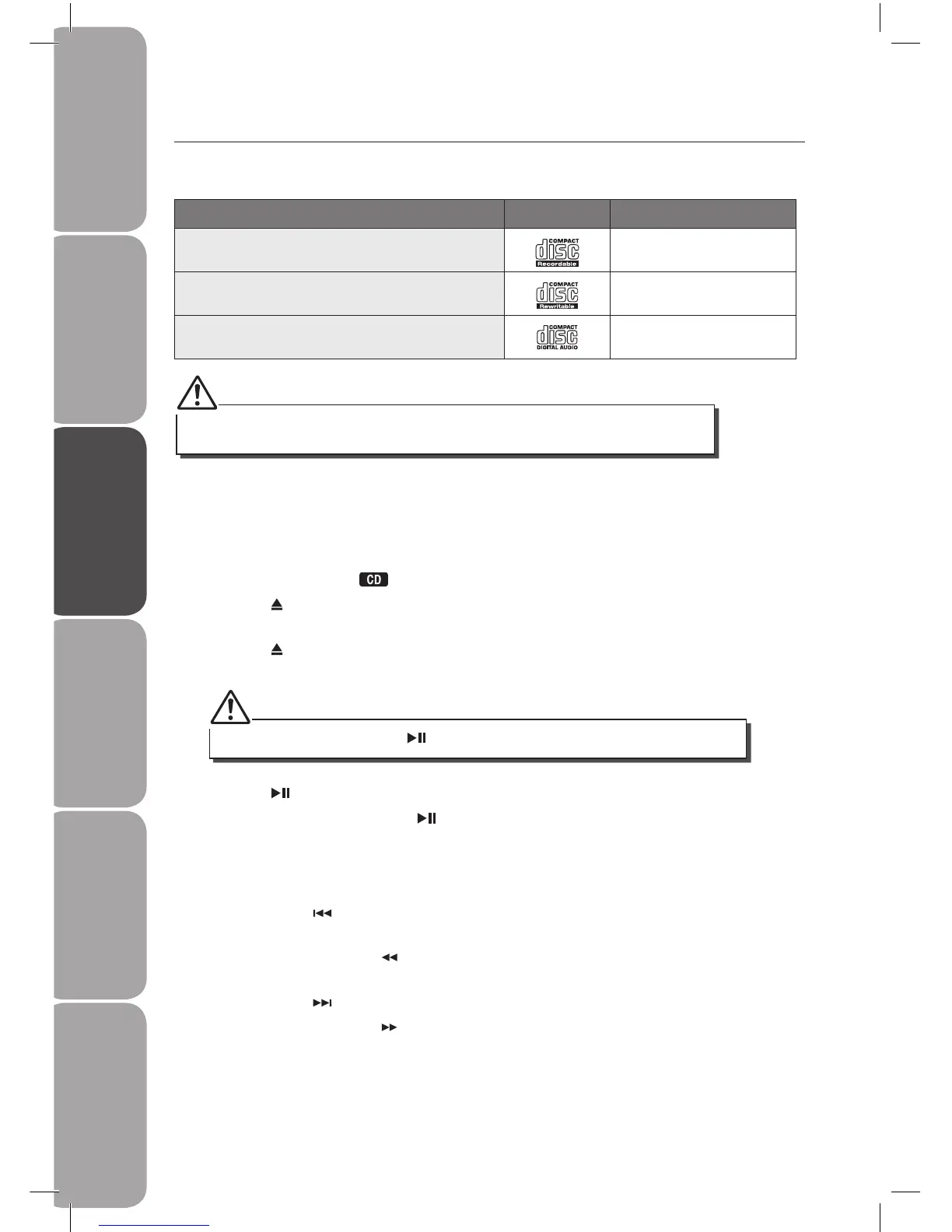
Compatible Disc Types
Disc Types Disc Logo Recorded Content
CD-R (CD Recordable - Audio/MP3/WMA) AUDIO / MP3 / WMA
CD-RW (CD-Rewritable - Audio/MP3/WMA) AUDIO / MP3 / WMA
AUDIO-CD (Compact Disc Digital Audio) AUDIO
CD Playing
1. Press the FUNCTION button repeatedly on the front of the amplier until “DISC” is
displayed or press the button on the remote control to select CD function.
2. Press the button to open the disc door and place the disc on the disc tray (with the
printed side up).
3. Press the button to close the disc door, the unit will read the disc and play it
automatically.
4. Press the button to pause the playback, the time elapsed indicator will ash.
5. To resume playback, press the button again.
To Skip Search or Search and Play
• Press the PRESET button once or more to skip to the previous one or more tracks of the
disc.
• Press and hold the TUNING button to search backwards for the track position that you
want to start playing from.
• Press the PRESET button once or more to skip forward one or more tracks on the disc.
• Press and hold the TUNING button to search forward for the track position that you
want to start playing from.
If in stop mode, please press the button to start playing the disc.
Some recorded les may not be able to be played due to the type and format of disc or
condition of the recording.



 To Next Page