Need help?
Do you have a question about the Sangoma PM200 and is the answer not in the manual?
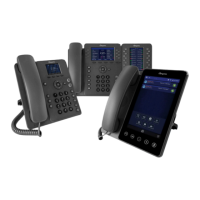
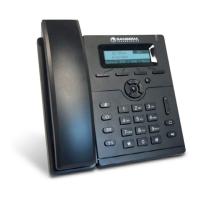
Details features of the P310 and P315 value-based IP phones.
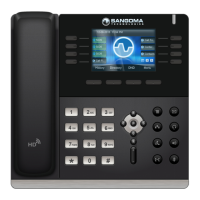
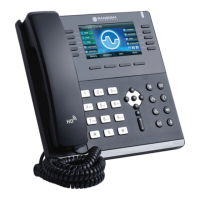
Outlines the features and specifications of the P320 mid-ranged IP phone.
Describes the features and specifications of the P325 mid-ranged IP phone.
Specifies the capabilities, including Bluetooth/Wi-Fi, of the P330 mid-ranged IP phone.
Details the extensive functionalities of the P370 executive IP phone with a touchscreen.
Explains automatic and manual methods for network connection and configuration.
Details XML configuration file and WebUI methods for initial phone setup.
Covers preferred UC software and manual firmware upgrade procedures.
Guides on manually configuring IP, Netmask, Gateway, and DNS settings.
Outlines configuring phones via XML or WebUI and fetching files from URL.
Procedures for factory reset, reconfiguration, and phone restarts.
Covers dialing, receiving, redialing, holding, and transferring calls.
 General
| Model | PM200 |
|---|---|
| Type | IP Phone |
| SIP Support | Yes |
| Programmable Keys | 4 |
| WiFi | No |
| Bluetooth | No |
| Lines | 2 |
| HD Audio | Yes |
| Power over Ethernet (PoE) | Yes |
| Audio Codec Support | G.711, G.722, G.726, G.729, iLBC |
| Features | Call Waiting, Call Transfer, Conference Calling, Do Not Disturb, Redial, Speed Dial, Voicemail |


 To Next Page