04
ACCESS OPERATING SYSTEM
To do some underlying changes to the operating system configuration requires using terminal access.
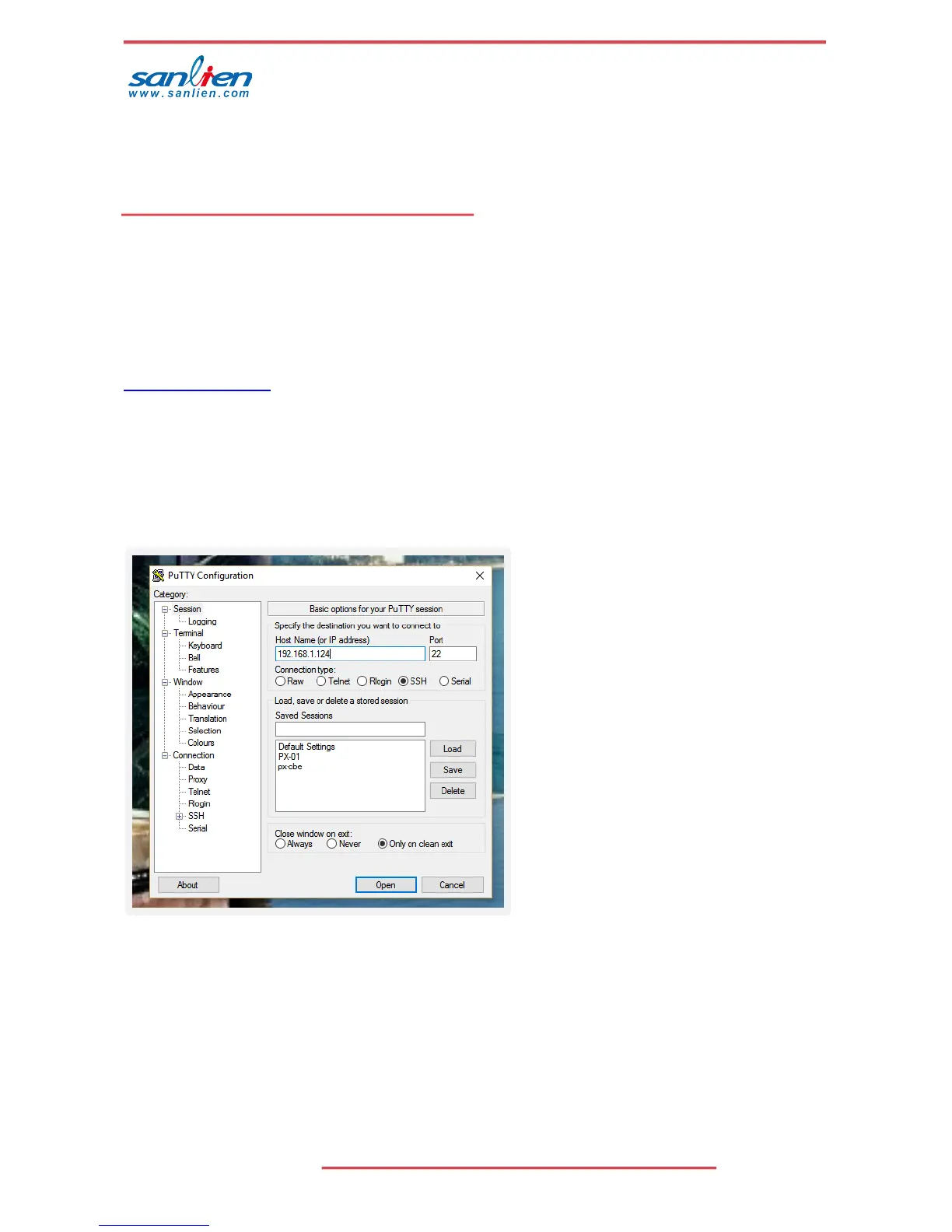
This can be done with product like Putty. Instructions as below.
4.1 INSTALL PUTTY OR SIMILAR ON A LAPTOP
http://www.putty.org/
Change laptop IP to 192.168.255.xx (20 as example) as the main Ethernet port
Connect laptop to PX-01 with normal Ethernet cable
Run putty and connect using SSH to IP address of unit
Accept security warning message



 To Next Page