ATSC Converter Box
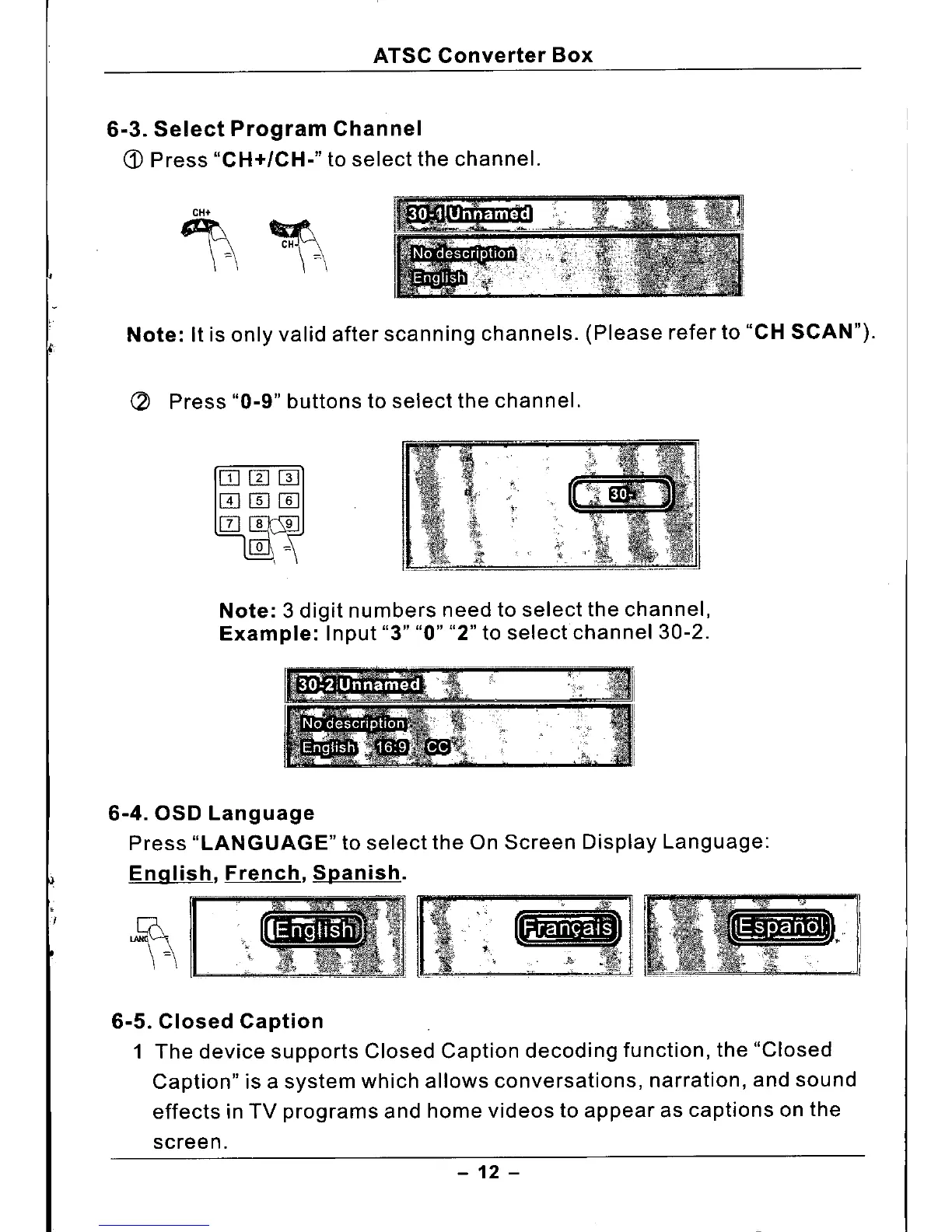
6-3. Select Program Channel
(j)
Press
"CH+/CH."
to select the channel.
Note:
It is only valid after scanning channels. (Please refer to
"CH SCAN").
C2
Press
"0.9"
buttons to select the channel.
Note: 3
digit numbers need to select the channel,
Example:
Input
"3" "0" "2"
to selectchannel
30-2.
6-4.
aso
Language
Press
"LANGUAGE"
to select the On Screen Display Language:
English, French, Spanish.
6-5. Closed Caption
1 The device supports Closed Caption decoding function, the "Closed
Caption" is a system which allows conversations, narration, and sound
effects in TV programs and home videos to appear as captions on the
screen.
- 12 -



 To Next Page