ATSC Converter Box
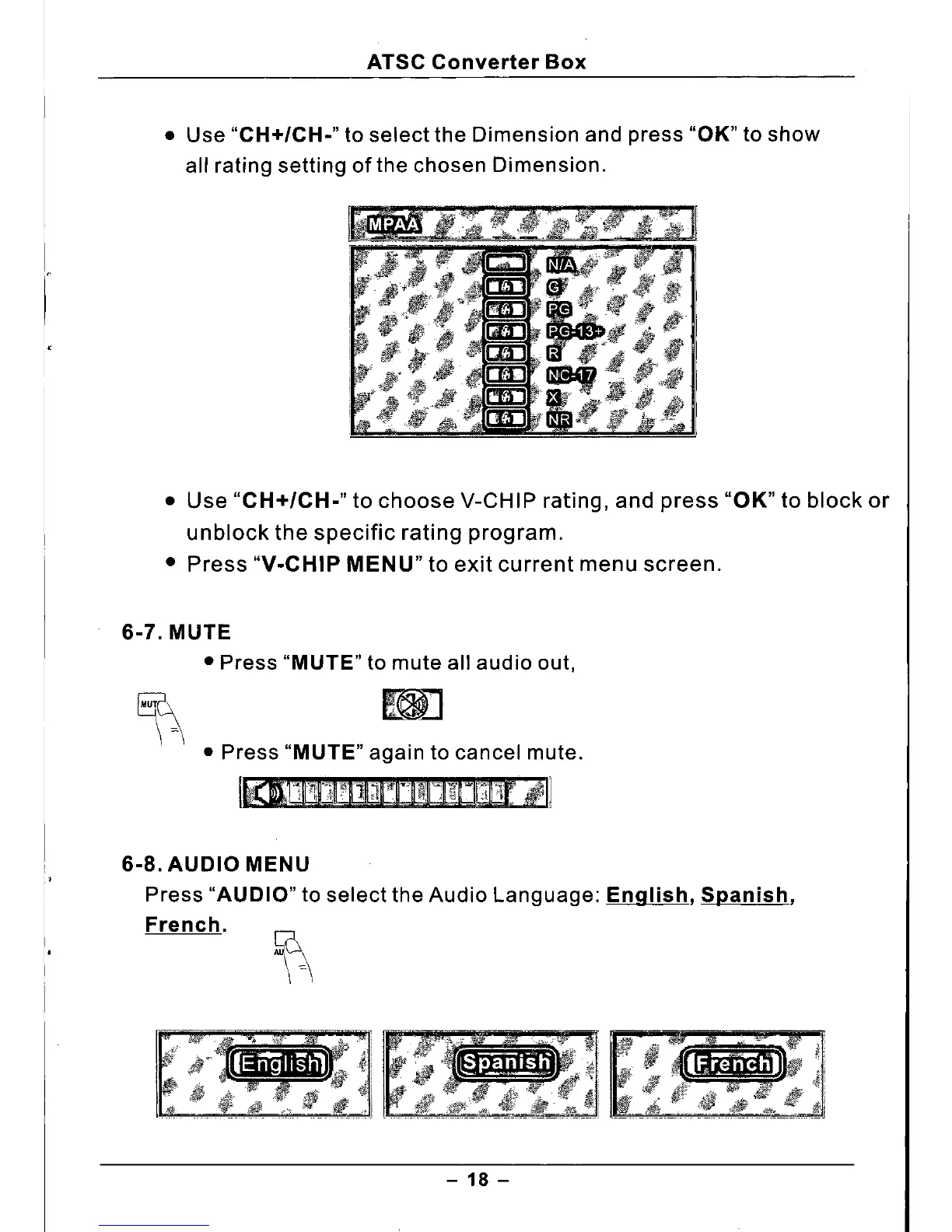
• Use
"CH+/CH."
to select the Dimension and press "OK" to show
all rating setting of the chosen Dimension .
• Use
"CH+/CH."
to choose V-CHIP rating, and press "OK" to block or
unblock the specific rating program.
• Press
"V.CHIP MENU"
to exit current menu screen.
6.7. MUTE
• Press
"MUTE"
to mute all audio out,
• Press
"MUTE"
again to cancel mute.
6.8. AUDIO MENU
Press
"AUDIO"
to select the Audio Language:
English, Spanish,
French.
- 18 -



 To Next Page