Parts and functions
Top
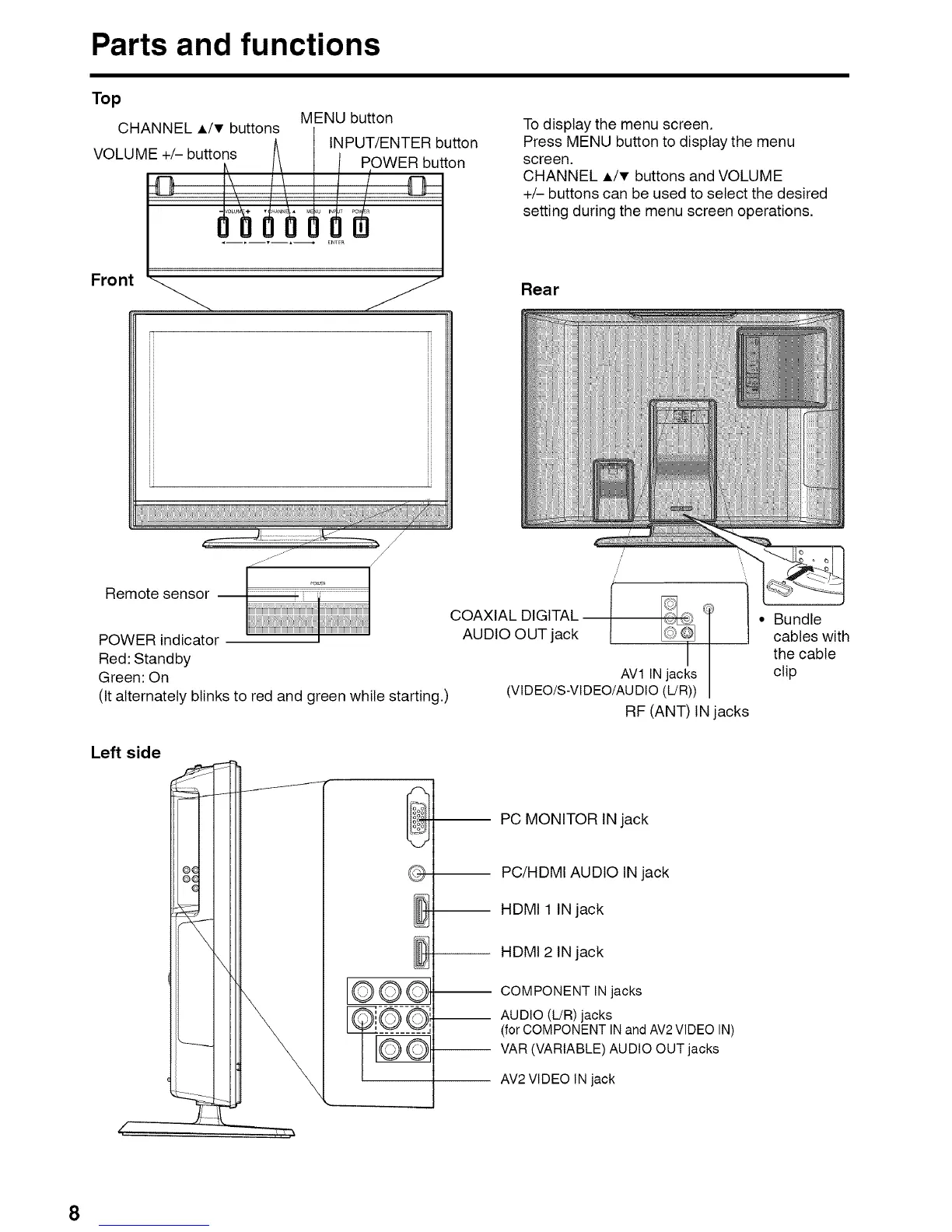
MENU button
CHANNEL A/T buttons
INPUT/ENTER button
VOLUME +/- buttons POWER button
To display the menu screen.
Press MENU button to display the menu
screen.
CHANNEL A/T buttons and VOLUME
+/- buttons can be used to select the desired
setting during the menu screen operations.
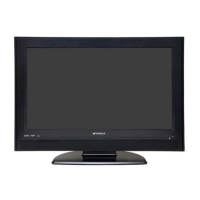
Front
Rear
Remote sensor
./ /
POWER indicator
Red: Standby
Green: On
(It alternately blinks to red and green while starting.)
COAXIAL DIGITAL
AUDIO OUT jack
I '_[ ] • Bundle
cables with
the cable
AV1 INjacks clip
(VIDEO/S-VIDEO/AUDIO(L/R))
RF (ANT) IN jacks
Left side
[OOO--
PC MONITOR IN jack
PC/HDMI AUDIO IN jack
-- HDMI 1 IN jack
-- HDMI 2 IN jack
COMPONENT IN jacks
__ AUDIO (L!R) jacks
(for COMPONENT IN and AV2 VIDEO IN)
VAR (VARIABLE) AUDIO OUT jacks
AV2 VIDEO IN jack
8


 To Next Page