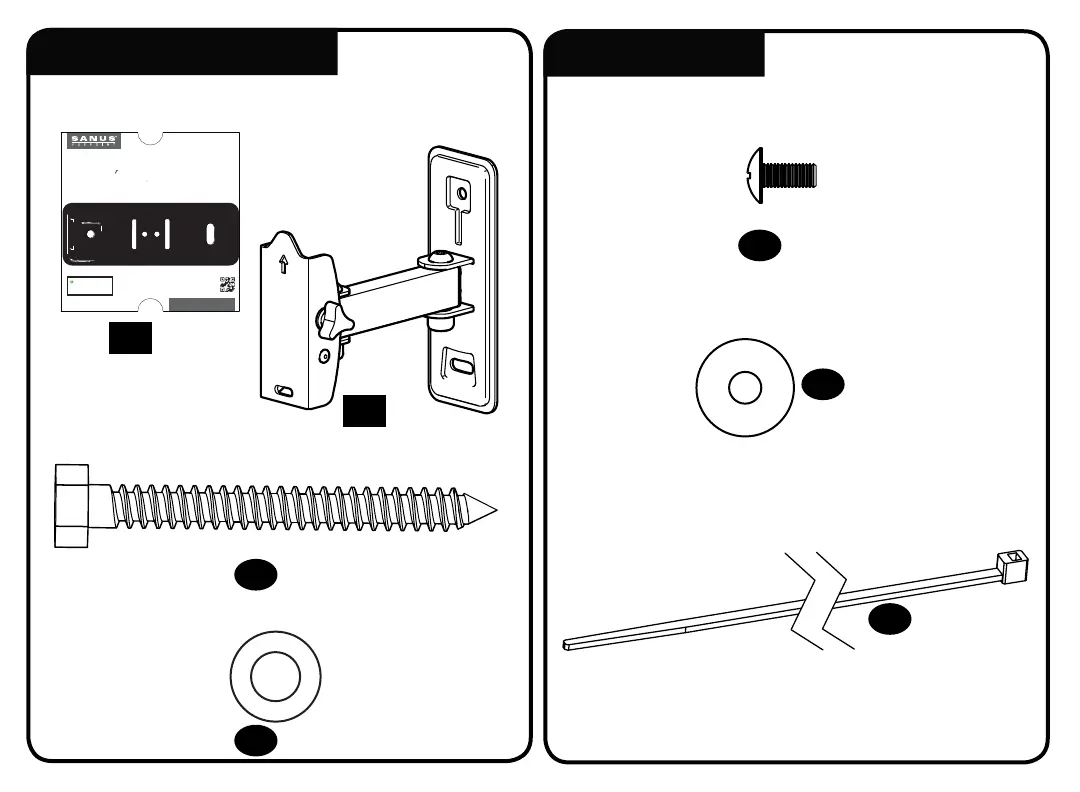
8-32 x 3/8 in.
HERE WE GO!
Scan here to view
your install video.
san.us/1125
We're here to help! If you have questions at any point,
contact customer service at 1-888-333-9952.
THIS IS YOUR DRILLING
TEMPLATE FOR STEP 2
YOU’RE REALLY GOING
TO ENJOY STEP 3
GET STARTED
WITH STEP 1
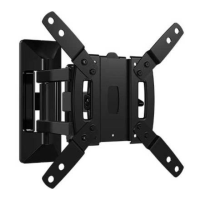
Grab the TV bracket and line
it up with the holes on the
back of your TV.
Attach using the bolts that fit.
Locate your stud and choose a
height for your TV. Then
simply tape this template to
the wall and drill right through.
Once the wall plate is secured,
simply hang TV on arm and secure
into place with safety screw.
Congratulations! You’re done.
WELCOME AND THANKS FOR CHOOSING SANUS VUEPOINT
Reference the product manual for
details on mounting to concrete.
Be sure to review the manual for
complete safety instructions.
Model: FSF207
6700-004862<00>
THIS WAY UP



 To Next Page