6901-002090 <00>
17
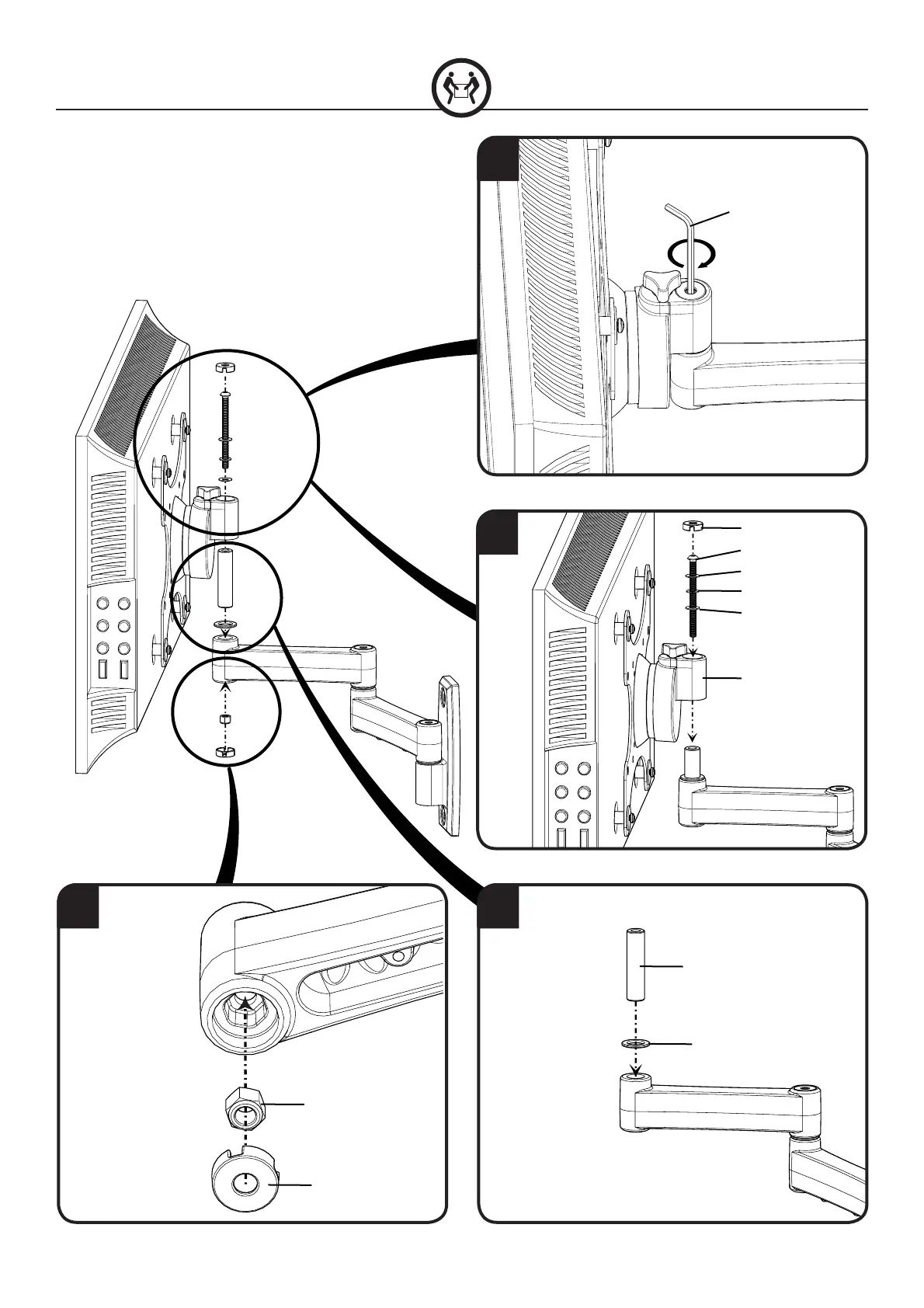
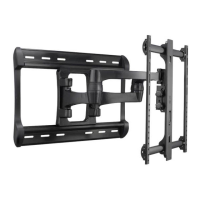
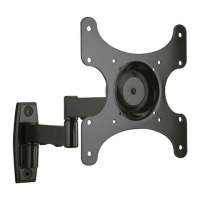
1. Fit nut [21] and cover [28] into underside of mount arm.
2. Place washer [20] and pivot pin [19] onto mount arm.
3. CAUTION: You will need assistance with this step! Fit mounting
bracket [01] onto pivot pin [19]. Slide washers [24] and spacer [23] onto
mounting bolt [22] and t bolt through mounting bracket [01] and pivot
pin [19] until it meets nut [21].
4. Use hex key [29] to tighten mounting bolt [22] and secure mounting
bracket [01] to arm.
3
4
3
21
[28]
[22]
[24]
[23]
[24]
[01]
[19]
[21]
[28]
[20]
[29]


 To Next Page