15
Manage Cables
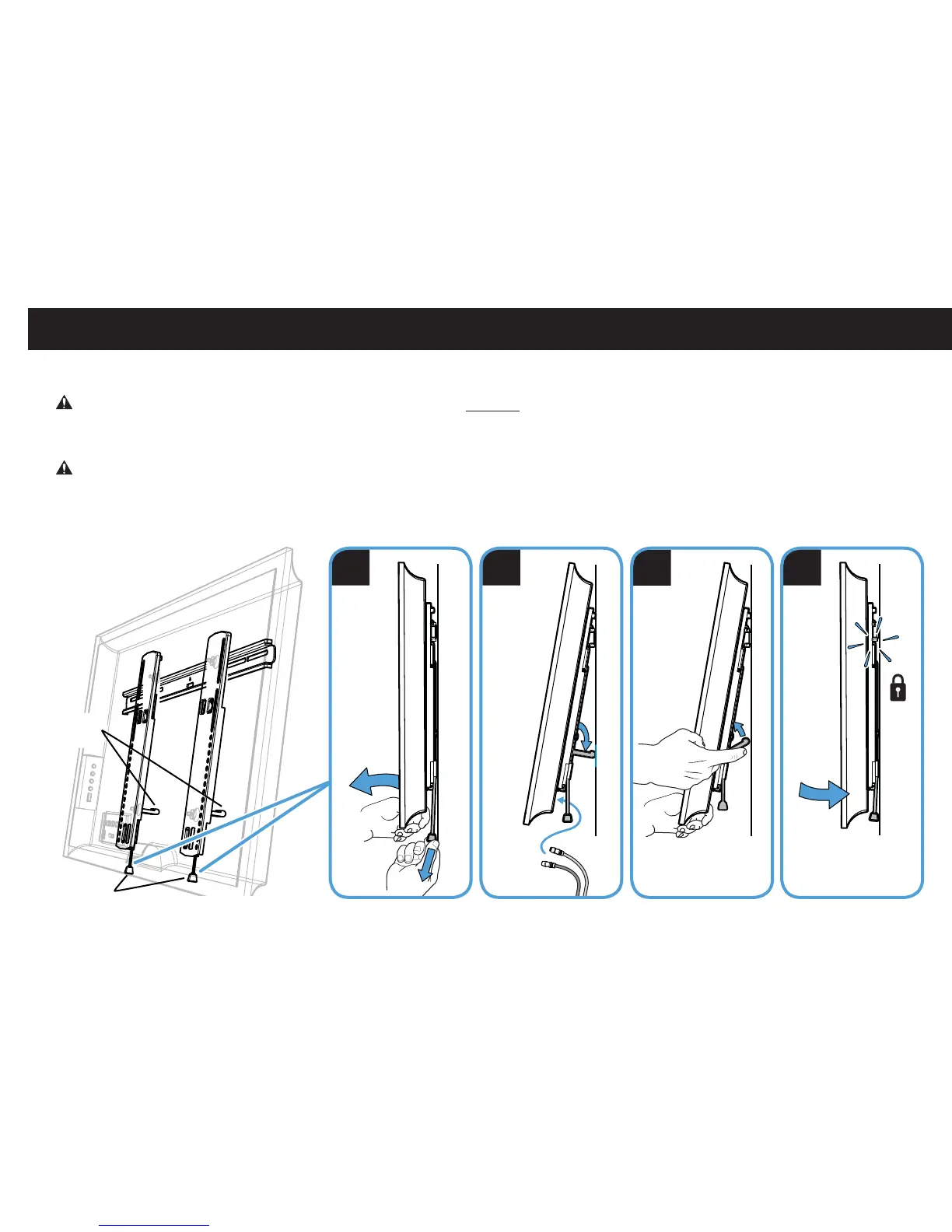
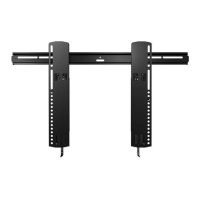
1. Pull down and hold both release cords while gently pulling the bottom of the TV away from the wall until the kick stands fall into place.
CAUTION: To prevent breaking the locking latch: always pull and hold the release cords down while pulling the TV away from the wall.
2. Temporarily rest the TV on the kick stands while assembling the cables on the TV.
CAUTION: TV is not secured to the wall when it is in the kick stand position. Assistance is recommended for this step.
3. Lift the kick stands up while holding the TV.
4. Gently rest the TV back until the brackets click and lock the TV in place.
Release Cords
Kick Stands
1 2
3
4


 To Next Page