9
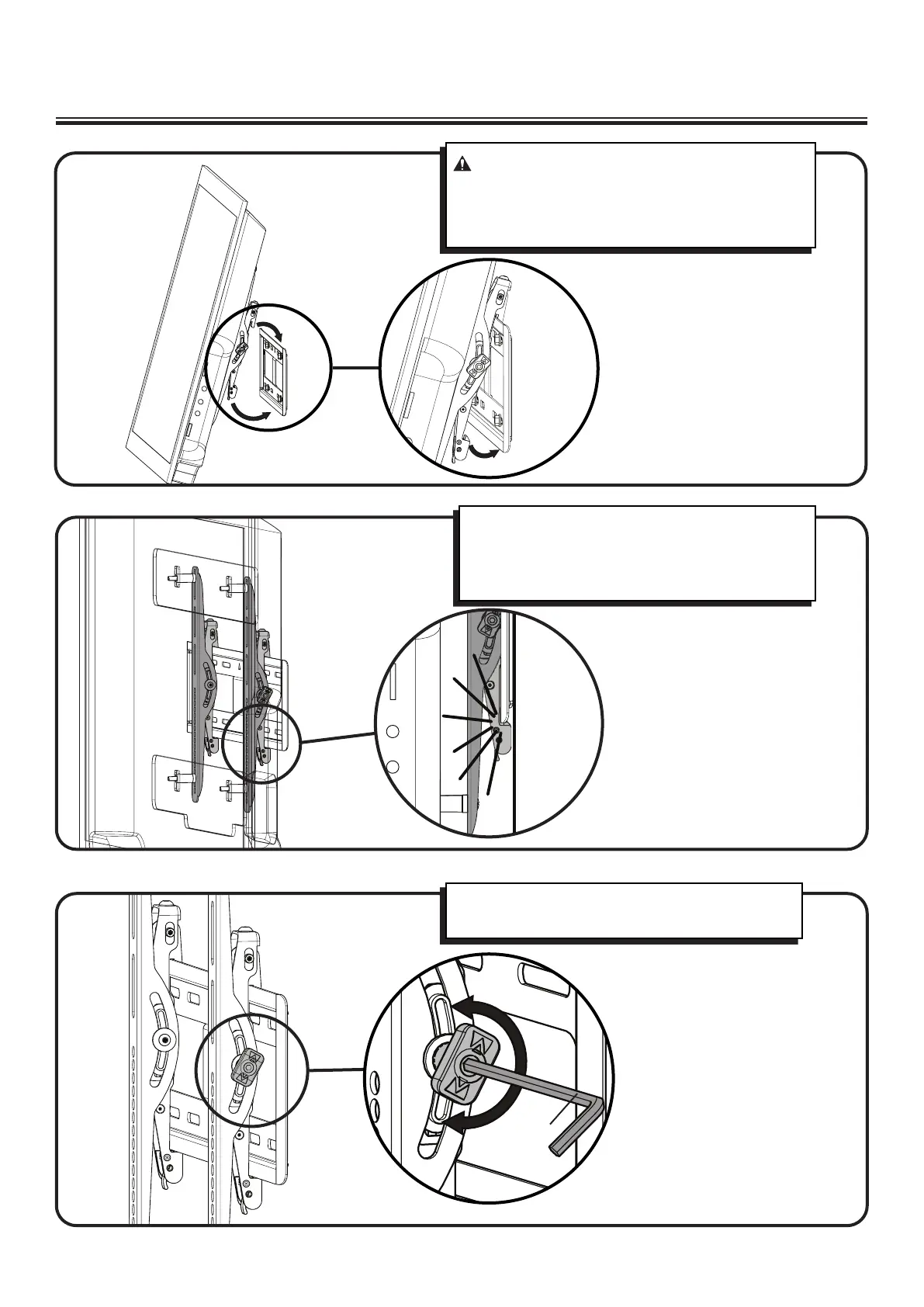
3 Hang the TV with Mounting Brackets onto the Wall Plate
CAUTION: You will need assistance with this step.
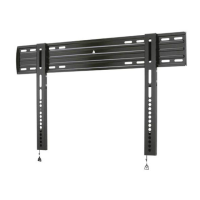
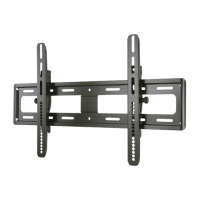
Install the TV / Bracket assembly by fitting the top
hooks of the mounting brackets over the top edge of
the wall mount.
Swing the mounting brackets down until the spring
loaded locking tabs slip over and fully engage the
bottom edge of the wall mount. You will hear an
audible “CLICK”.
Tilt tension can be adjusted with the vertical bracket
knobs by hand or using the hex key [10].
[10]


 To Next Page