5
STEP 1 Attach Bracket to TV
WARNING: This product contains small items that could be a choking hazard if swallowed.
Before starting assembly, verify all parts are included and undamaged. If any parts are missing or damaged, do not return the damaged
item to your dealer; contact Customer Service. Never use damaged parts!
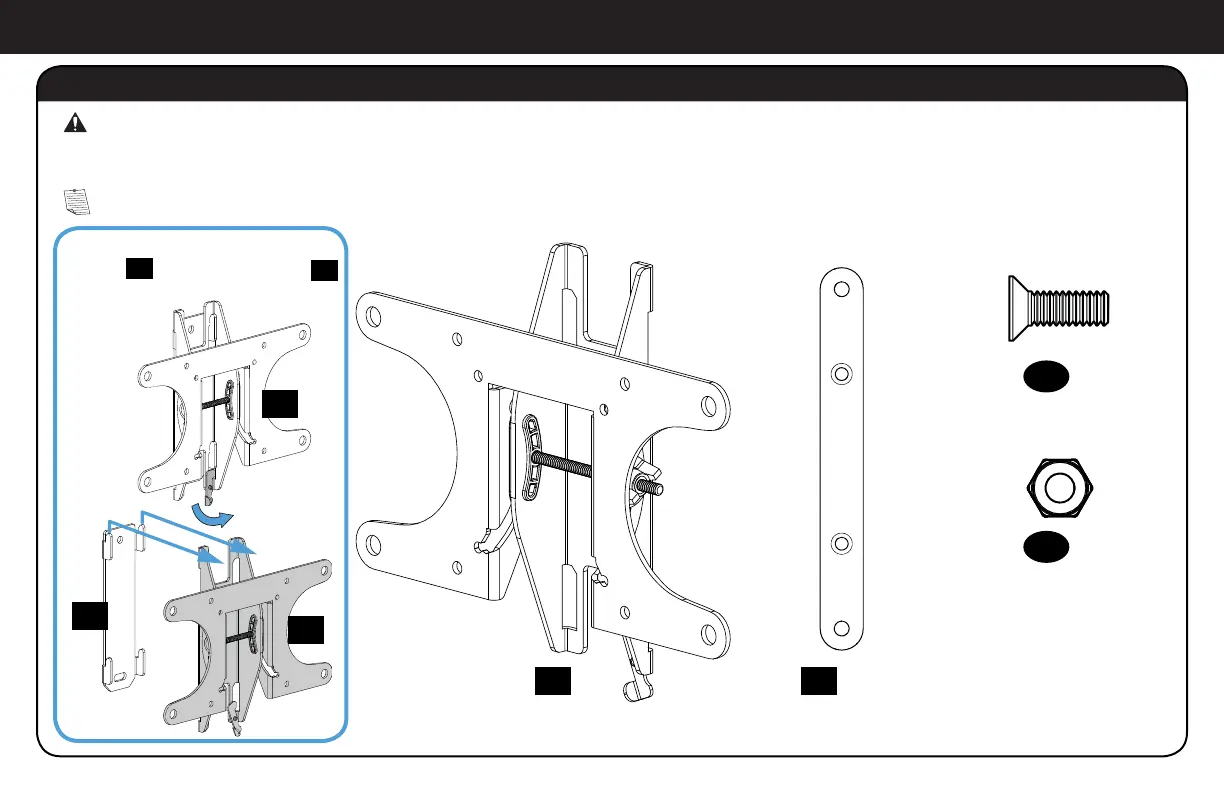
Parts and Hardware for STEP 1
NOTE: Not all hardware included will be used.
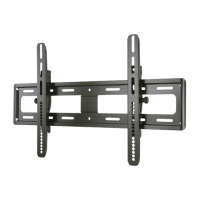
*You may need to separate the TV
bracket
01
from the wall plate
18
before starting this step.
TV Bracket*
200 x 200 Extension
200 x 200 Extension Screw
200 x 200 Extension Nut
M6 x 14mm
02
x2
01
x1
03
x4
04
x4
01
01
18



 To Next Page