11
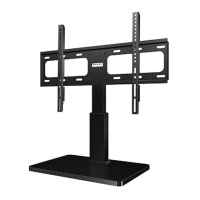
Step 4 Hang TV onto Stand
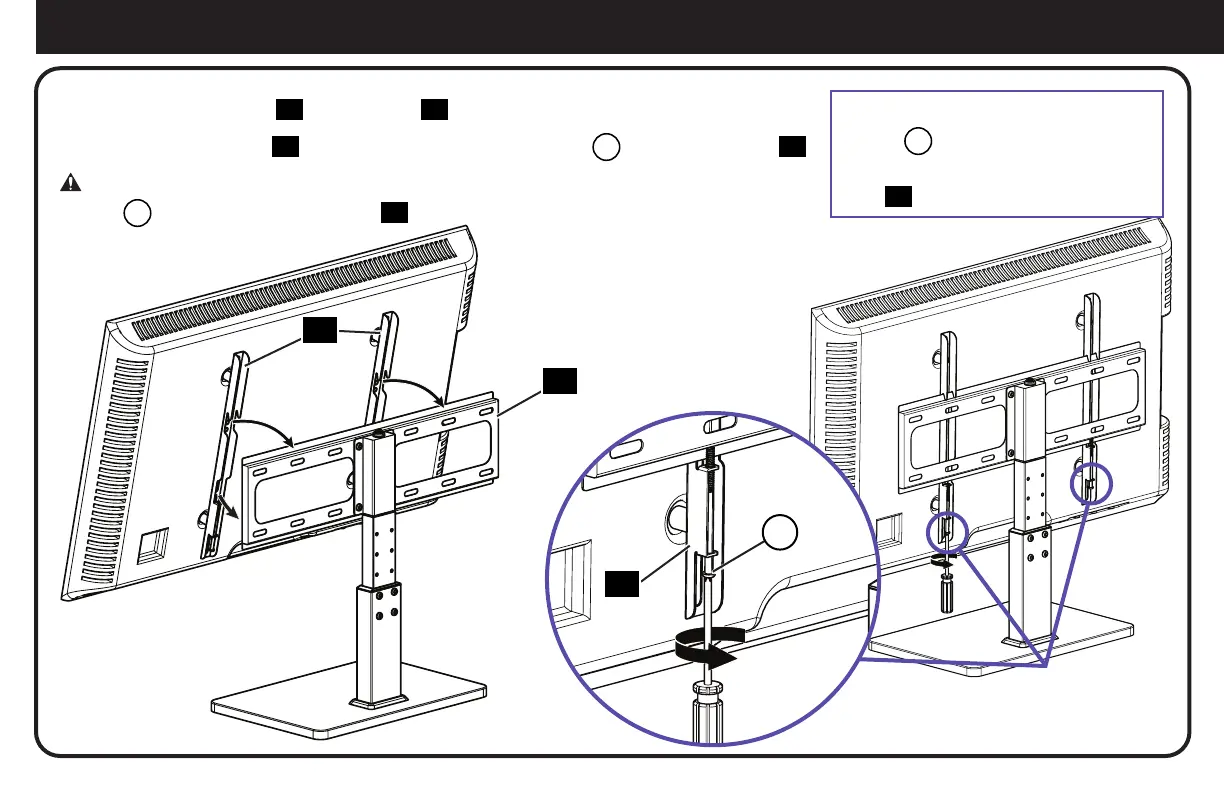
Hang the TV with brackets
07
onto the plate
06
.
Center the TV on the plate
06
and secure with the locking screws
L
on the TV brackets
07
.
CAUTION: Avoid potential personal injuries and property damage! Make sure locking
screws
L
are tightened BEHIND plate
06
,
so the TV is securely fastened in place.
To Remove the TV: Loosen locking
screws
L
enough to pull the BOTTOM
of the TV away from, then up and off of
plate
06
.
07
06
L
07


 To Next Page