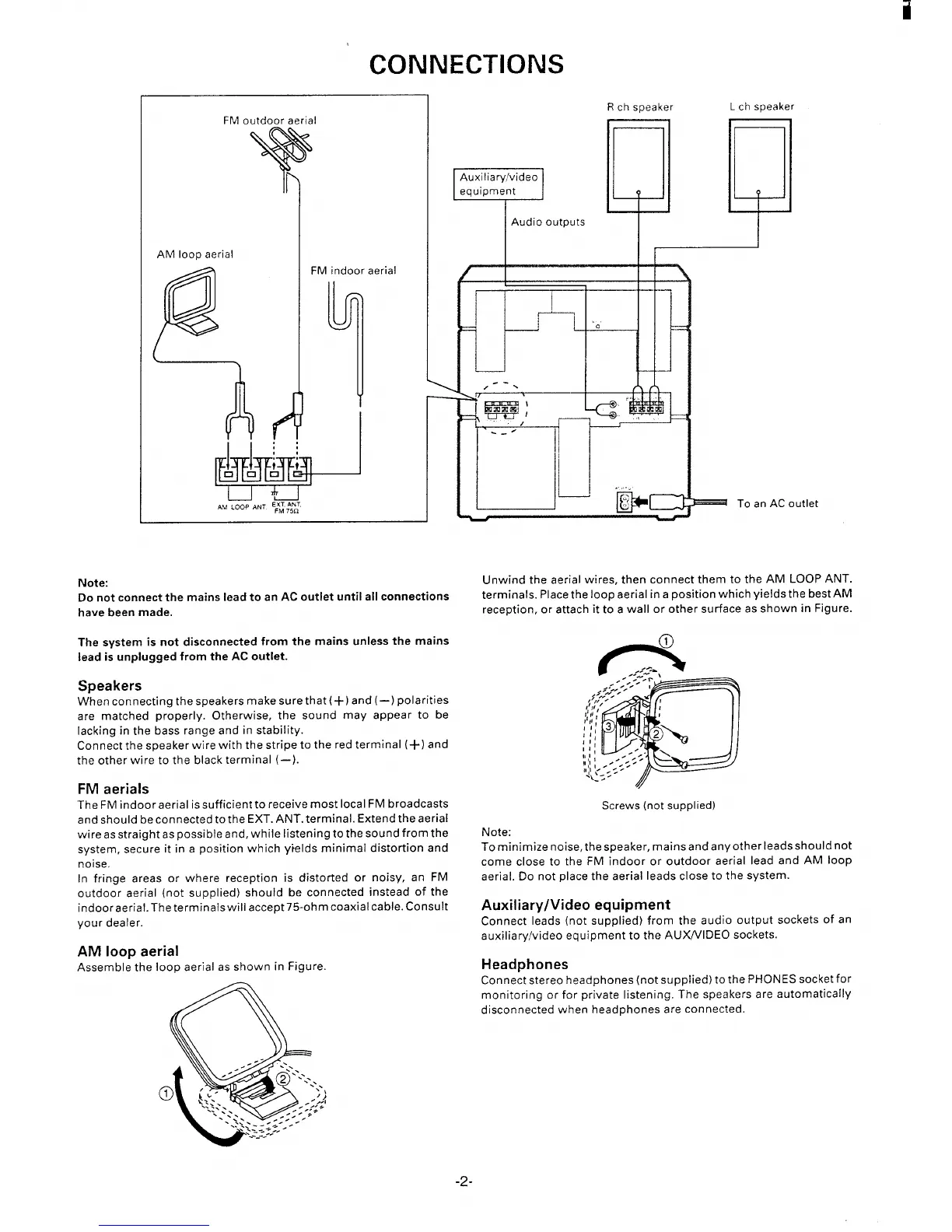
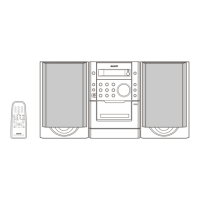
.—-
-0
—
~ TO an AC outlet
Note:
Do not connect the mains lead to an AC outlet until all connections
have
been made.
Unwind the aerial wires, then connect them to the AM LOOP ANT.
terminals. Place theloop aerial ina position which yields the best AM
reception, or attach it to a wall or other surface as shown in Figure.
The system is not disconnected from the mains unless the mains
lead k unplugged from the AC outlet.
Speakers
When connecting the speakers make sure that(+) and (–) polarities
are matched properly. Otherwise, the sound may appear to be
lacking in the bass range and in stability.
Connect the speaker wire with the stripe to the red terminal (+) and
the other wire to the black terminal (–).
FM aerials
The FM indoor aerial is sufficient to receive most local FM broadcasts
and should reconnected tothe EXT. ANT. terminal. Extend the aerial
wire asstraight aspossible and, while listening tothesoundfromthe
system, secure it in a position which yields minimal distortion and
noise.
In fringe areas or where reception is distorted or noisy, an FM
outdoor aerial (not supplied) should be connected instead of the
indoor aerial. Theterminals wiliaccept 75-oh mcoaxial cable. Consult
your dealer.
AM loop aerial
Assemble the loop aerial as shown in Figure.
Screws (not supplied)
Note:
Tominimize noise, thespeaker, mains andanyother leads shouldn't
come close to the FM indoor or outdoor aerial lead and AM loop
aerial. Do not place the aerial leads close to the system.
Auxiliary/Video equipment
Connect leads (not supplied) from the audio output sockets of an
auxiliary/video equipment to the AUX/VIDEO sockets.
Headphones
Connect stereo headphones (not supplied) to the PHONES socket for
monitoring or for private listening. The speakers are automatically
disconnected when headphones are connected.
-2-



 To Next Page