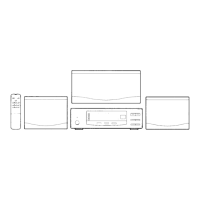
SPEAKER PLACEMENT
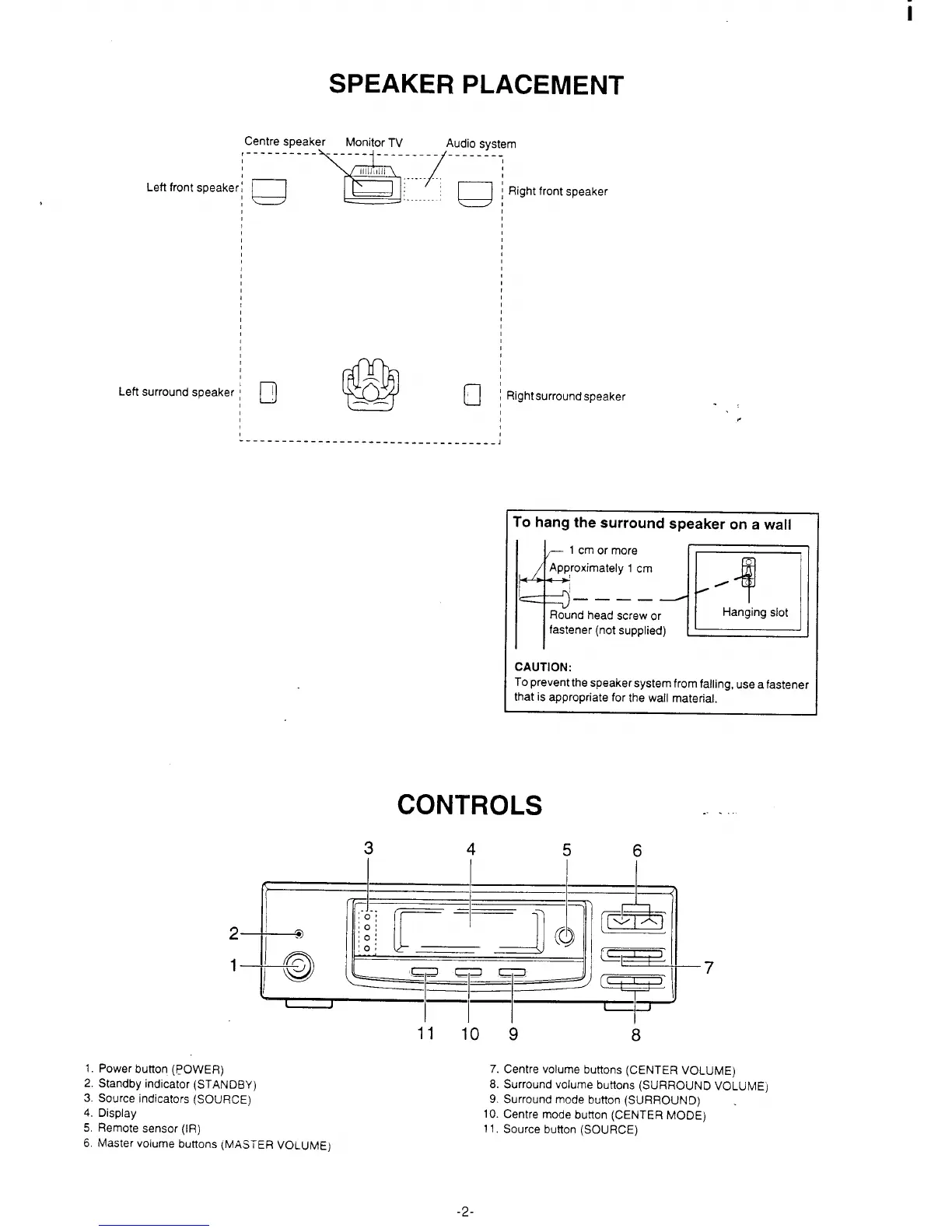
Centre speaker
MonitorTV
Audio
system
,----------\-------l ---------4-----:-.
Left front speaker;
a
]%_J-< ~~.ightfrontspeaker
........
I
t
I
I
I
,
,
,
,
1
1
$
I
1
I
,
1
1
I
1
,
‘D
Left surround speaker ; I
a!
,,
1’
I 1
Right surround speaker
.:
.
! 1
------------------------------------ J
To hangthesurround speakeronawali
3
~
Topreventthe speaker system from falllng useafastener
that is appropriate for the wall material.
CONTROLS
4
----
5
6
1. Power button (POWER)
2. Standby indicator (STANDBY)
3. Source indicators (SOURCE)
4, Display
5. Remote sensor (IR)
6. Master volume buttons {MASTER VOLUME)
11 10 9
8
7. Centre volume buttons (CENTER VOLUME)
8. Surround volume buttons (SURROUND VOLUMEj
9. Surround mode button (SURROUND) .
10. Centre mode button (CENTER MODE)
11. Source button (SOURCE)
-2-


 To Next Page