26
The Sapling Company, Inc.
670 Louis Drive
Warminster, PA 18974
USA
P. (+1) 215.322.6063
F. (+1) 215.322.8498
www.sapling-inc.com
Jumper Switch Settings
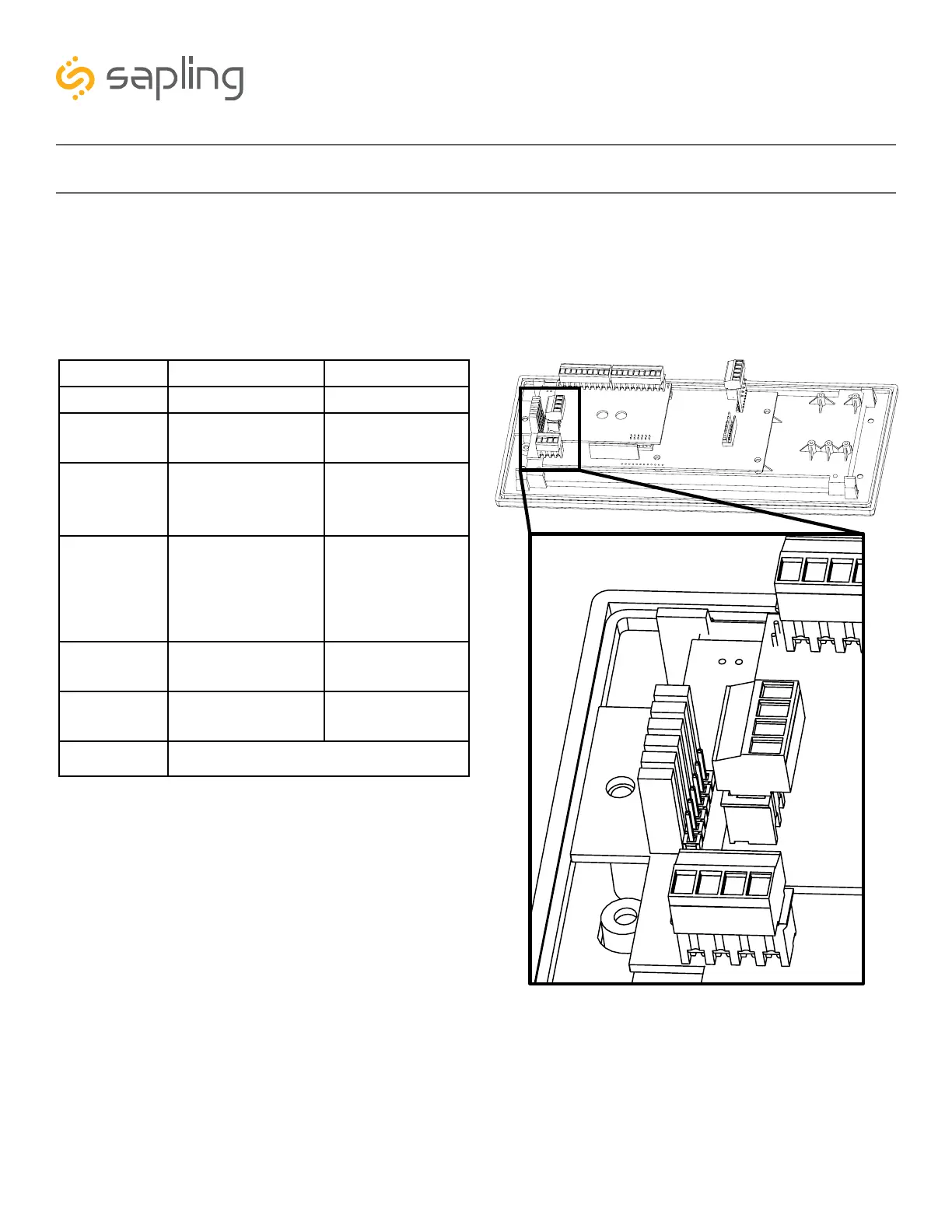
The digital clock main electrical board comes with jumper switches allowing the user to change the clock
basic default settings. The below chart shows each jumper and its correlating features. If advanced clock
configuration is needed (such as brightness schedules, configuring duration of alternating between time
and date, etc.), it is done by using the USB Programming Cable, which is compatible with the 3200 or
3300 digital clock models.
Left Position Right Position
Pins 1 & 2 Pins 2 & 3
Jumper 1 12 Hour Display
Mode (Default)
24 Hour Display
Mode
Jumper 2 High Brightness
Display Mode
(Default)
Low Brightness
Display Mode
Jumper 3 Display Time Only
(Default)
*Alternate
between Time
and Date
*US format only
Jumper 4 DO NOT TOUCH
(Default)
DO NOT TOUCH
Jumper 5 DO NOT TOUCH
(Default)
DO NOT TOUCH
Jumper 6
The 3300 clock model also has manual controls allowing to change some of the above settings without
the use of the jumper switches (overriding the jumper switches). Please refer to the section of this manual
labeled “Manual Controls” and refer to Setting 15.
5
4
3
2
1
6
ONLY USED FOR SBDCONFIG



 To Next Page