CONFIGURATION AND OPERATION
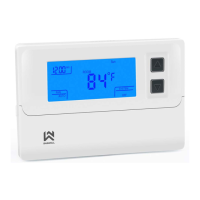
The configuration menu allows you to set certain thermostat operating characteristics to your system or personal
requirements. Move the SYSTEM switch to the OFF position, then press and hold the ▲ and ▼ buttons for 5
seconds to enter the configuration menu. The display will show the first item in the configuration menu. Press the ▼
button to shift to the next menu item. Use the ▲ button to select each user setting. To exit the configuration menu and
return to normal operation, move the SYSTEM switch to the HEAT or COOL position. If no buttons are pressed within 2
minutes, the thermostat will exit the configuration menu. The configuration menu chart summaries the configuration
options. An explanation of each option follows.
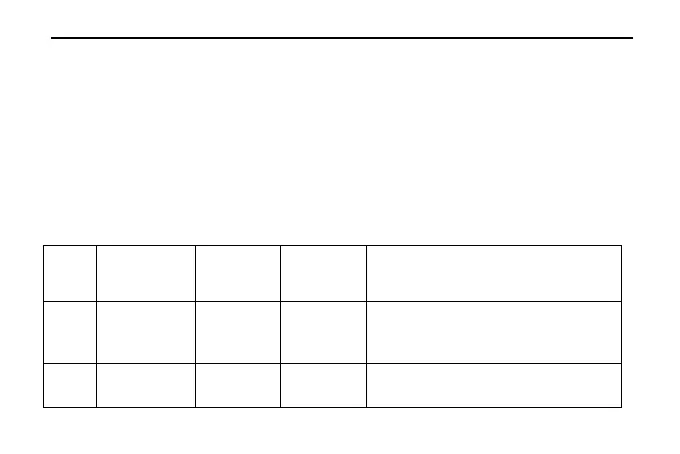
Displayed
(Factory
Defaults)
Select (FA)st or (SL)ow cooling cycles Default =
FA
Select F(ast) or (S)low Heating cycles. Default
= FA



 To Next Page
 Loading...