8 INT-S SATEL
Part. fire alarm [on partit. fire] – the door will be unlocked in the event of fire alarm in the
partition to which the keypad is assigned.
Object fire alarm [on object fire] – the door will be unlocked in the event of fire alarm in
the object to which the keypad is assigned.
Fire alarm [on any fire] – the door will be unlocked in the event of fire alarm in the alarm
system.
4. Using
4.1 LED indicators
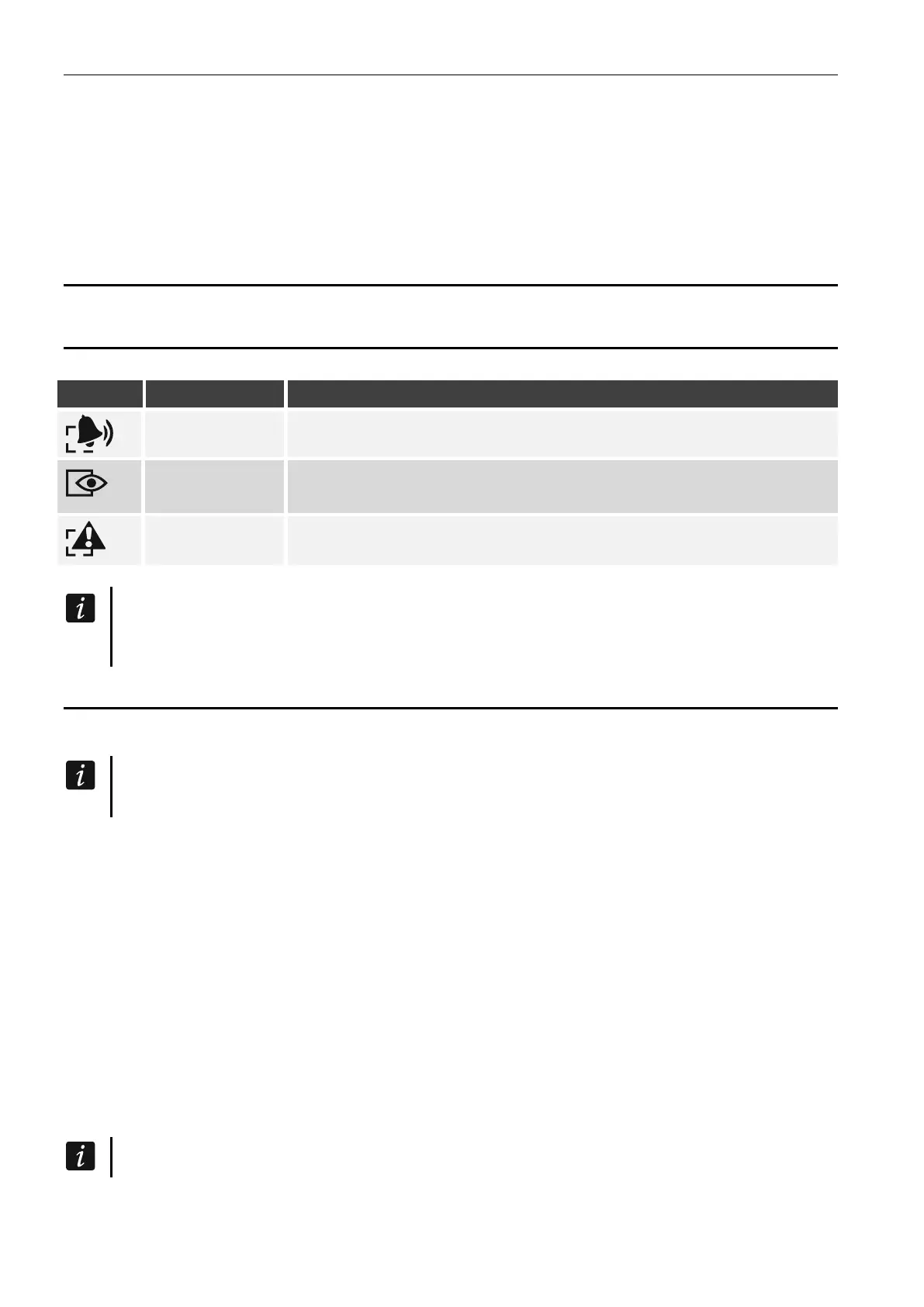
ON or flashing – alarm or alarm memory
green
ON – partition is armed
flashing
– exit delay countdown is running in the partition
yellow flashing – trouble or trouble memory (the LED goes out when
the partition is armed)
Information about the armed state can be extinguished after a preset time.
All LEDs flashing in turn indicate that there is no communication with the control panel.
4.2 Sound signaling
4.2.1 Beeps generated when operating
The installer can disable the sound signaling or replace it with flashing of the keys
backlight (see “Configuring”).
1 short beep – any number key is pressed or the code is used.
2 short beeps – acceptance of the first code during two code arming / disarming.
3 short beeps – confirmation of:
– starting the procedure of arming (there is exit delay in the partition) or arming (there is
no exit delay in the partition),
– disarming and/or alarm clearing.
4 short and 1 long beeps – confirmation of function execution.
3 pairs of short beeps – code change is required.
1 long beep – refusal to arm (there are violated zones in the partition or there is a trouble).
2 long beeps – unknown code.
3 long beeps – unavailable function.
4.2.2 Signaling events
The installer defines whether events are to be signaled audibly (see “Configuring”).
5 short beeps – zone violation (CHIME).


 To Next Page