Freyja GNSS RTK System User Manual
www.satlab.com.se 18
3. Record the point name, S/N, receiver height and beginning time.
4. Press the power button to power-on and set up the static collecting mode.
5. Turn off the receiver after the static data is collected and record the turn-off time.
6. Download and post-process the static collection data.
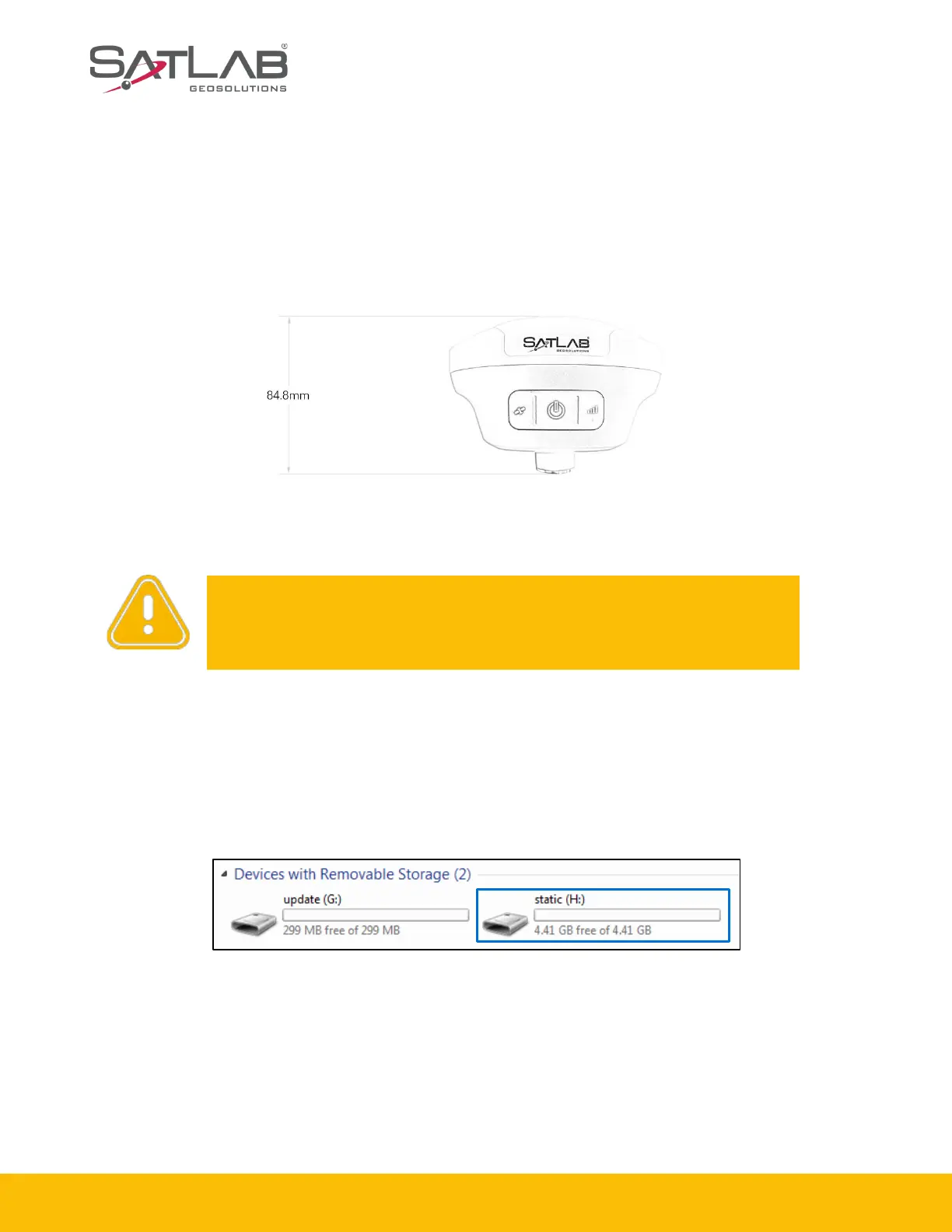
Figure 2-4-1
2.4.3 Static data download
1. Download by USB cable
Connect the receiver to a computer with the Type-C USB cable and copy the static data to the
computer. The static data is in the GNSS folder of the static drive.
Figure 2-4-2
Notice: Don’t move the tripod or change the collecting set while the
receiver is collecting data.



 To Next Page