6
70~100dBuV.
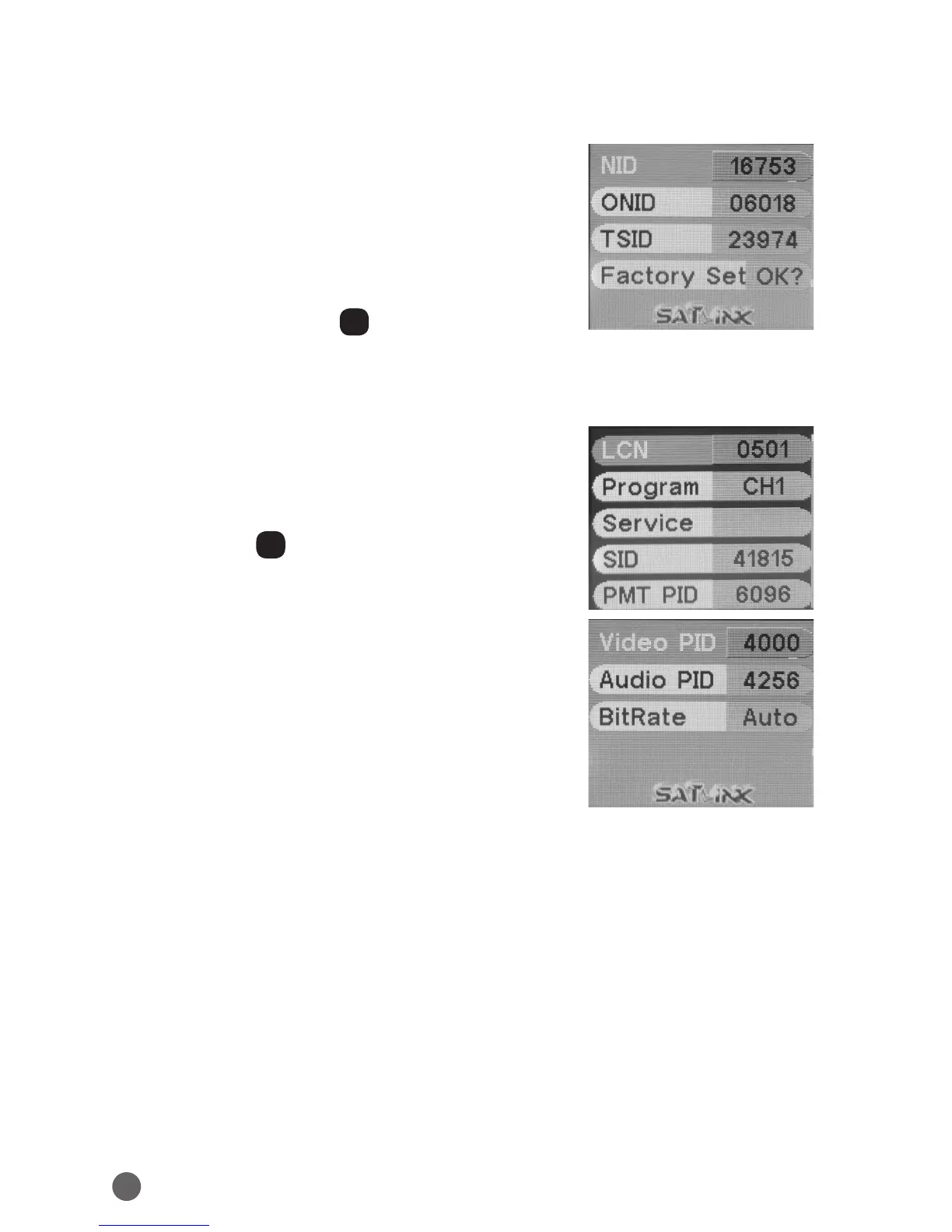
• NID: Network ID can be modified by
YZAB
key.
• ONID: Original Network ID can be modified by
YZAB
key.
• TSID: Transport Stream ID can be modified by
YZAB
key.
• Factory Set: press OK to confirm factory reset.
3.2 CHANNEL 1/2/3/4 SETUP
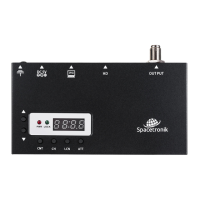
• LCN: Logic Channel Number can be modified
by
YZAB
key.
• Program: CH1/CH2/CH3/CH4.
• Service: service name can be modified after
pressing OK.
• SID: Service ID can be modified by
YZAB
key.
• PMT PID: Program Map Table PID can be
modified by
YZAB
key.
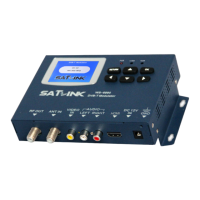
• Video PID: Video PID can be modified by
YZAB
key.
• Audio PID: Audio PID can be modified by
YZAB
key.
• BitRate: default setting is Auto, or you can
press
AB
key to switch to 2/3/4/5/6M.


 To Next Page