Compose an Output Channel
The Channel Filter is independent on regional TV standards. It only needs
to know the channel bandwidth (6 MHz, 7 MHz or 8 MHz) to extract
proper TV signal from selected input port, shift the channel frequency,
adjust the output power level if necessary, and then place it as an output
channel on the output port.
Follow the steps below to compose one TV channel from input port to
output port. Repeat the steps to compose more output channels from
selected input ports. Maximum 32 channels can be composed from 4
different input ports.
Refer to the Input Settings section in LCD Configuration Menu page to
configure input ports.
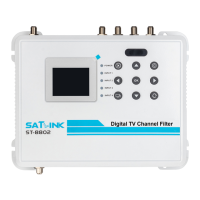
① Power on the Channel Filter with power adapter included in the
package.
② Connect the end of the coaxial cable from antenna to an input port
of the Channel Filter.
③ Go through the LCD configuration screen on the Channel Filter to
extract one TV channel from selected input port to format a TV
output channel.
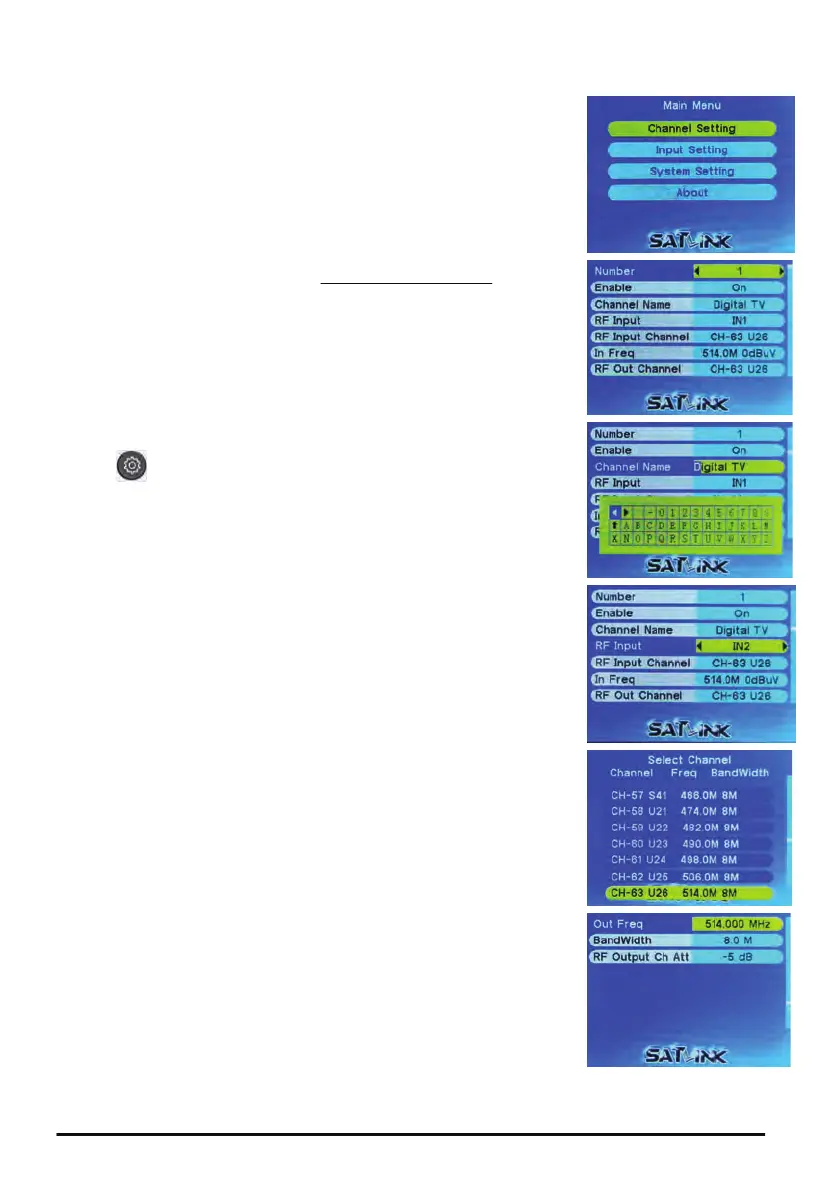
Press button to jump to the main menu. Select Channel Settings
and press OK.
● Index → press ◄► to select channel index between 1 and 32.
● Status → press ◄► to Enable or Disable selected channel index.
● Channel Name → press OK to edit channel name with soft
alphanumerical keypad, press
⊗
to save and escape.
● Input Port → press ◄► to select RF input port between IN1 and
IN4.
● Input Channel → press ◄► to show channel table; press ▲▼ to
traverse; press OK to select input channel from selected input port.
● Input Frequency → press OK to edit input frequency in MHz with
◄► keys to move cursor and ▲▼ keys to increase or decrease
frequency in range; press
⊗
to save and escape.
● Output Channel → press ◄► to show channel table; press ▲▼ to
traverse; press OK to select output channel.
● Output Frequency → press OK to edit output frequency in MHz with
◄► keys to move cursor and ▲▼ keys to increase or decrease
frequency in range; press
⊗
to save and escape.
● Channel Bandwidth → press ◄► to change output channel
bandwidth between 3.0 MHz and 9.0 MHz in 0.1 MHz step.
● Output Attenuation → press ◄► to change output channel
attenuation between -10dB and -5dB.
After all output channels have been composed, turn on the TV and run
Auto Scan for channel detections.
6
ST-8802 Digital TV Channel Filtering Optimizer/Encoder


 To Next Page
 Loading...