EasyManua.ls Logo

satmap active 20 - TOUCHSCREEN Overview

satmap active 20
11 pages
Print Icon
To Next Page IconTo Next Page
To Previous Page IconTo Previous Page
Loading...
54
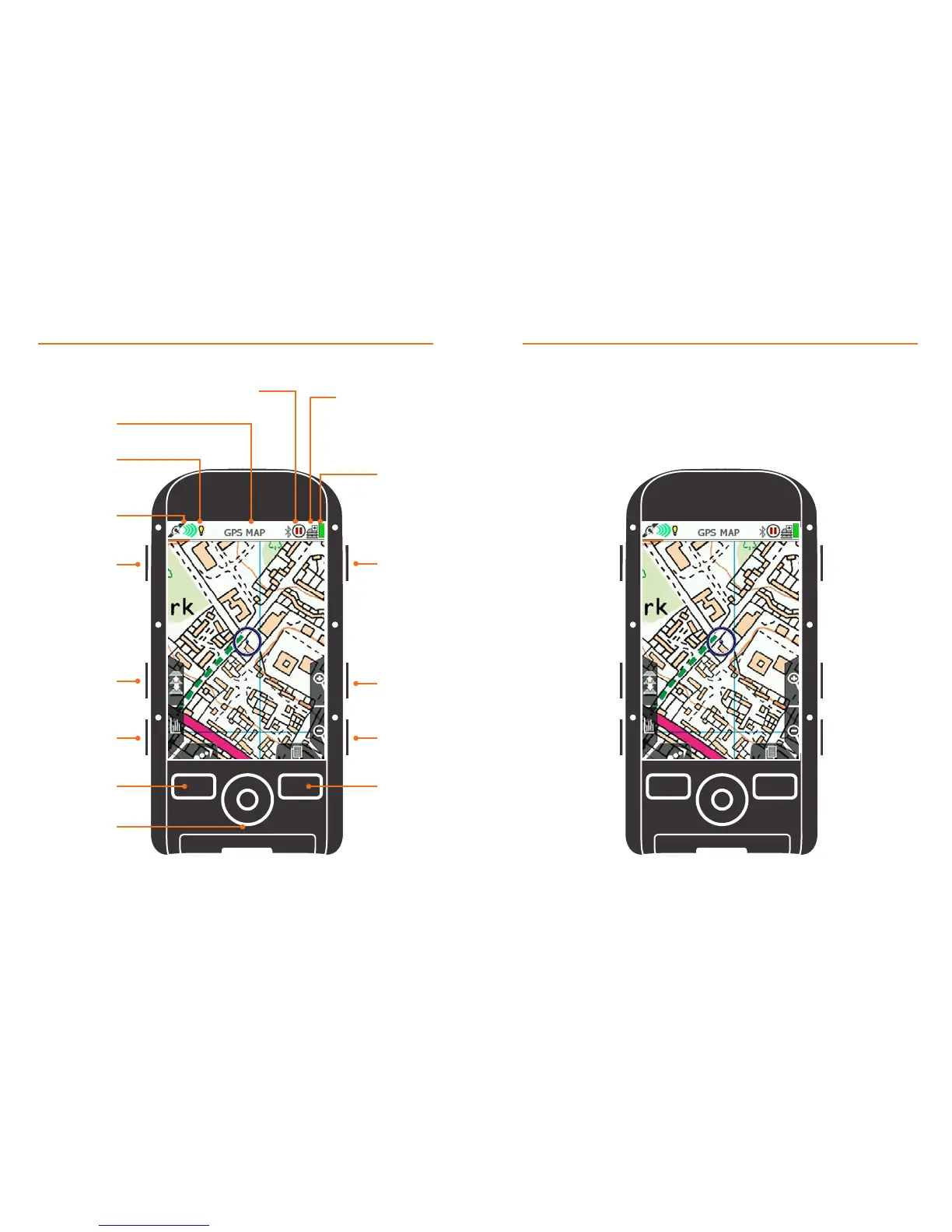
Button and Icon Overview TOUCHSCREEN Overview
Indicates current
backlight level
Indicates whether the trip log
is paused or recording
Indicates current
battery level
Indicates there is
toggleable mapping
available at the
current zoom level
Press to cycle
through backlight
brightness levels.
Hold to take
screenshot of
current screen
8-way directional pad
with centre-press
Current screen
Trip Log Icon
Toggle maps
Data Boxes Zoom out
Zoom in
Power
Options
Battery icon
Map Toggle Icon
Locate me
Advance to
next primary
screen
D-Pad / joystick
Backlight button
Backlight icon
Indicates current
GPS signal strength
GPS icon
All the functions can be operated from the
button touch points on the screen

Other manuals for satmap active 20

Related product manuals