EasyManua.ls Logo

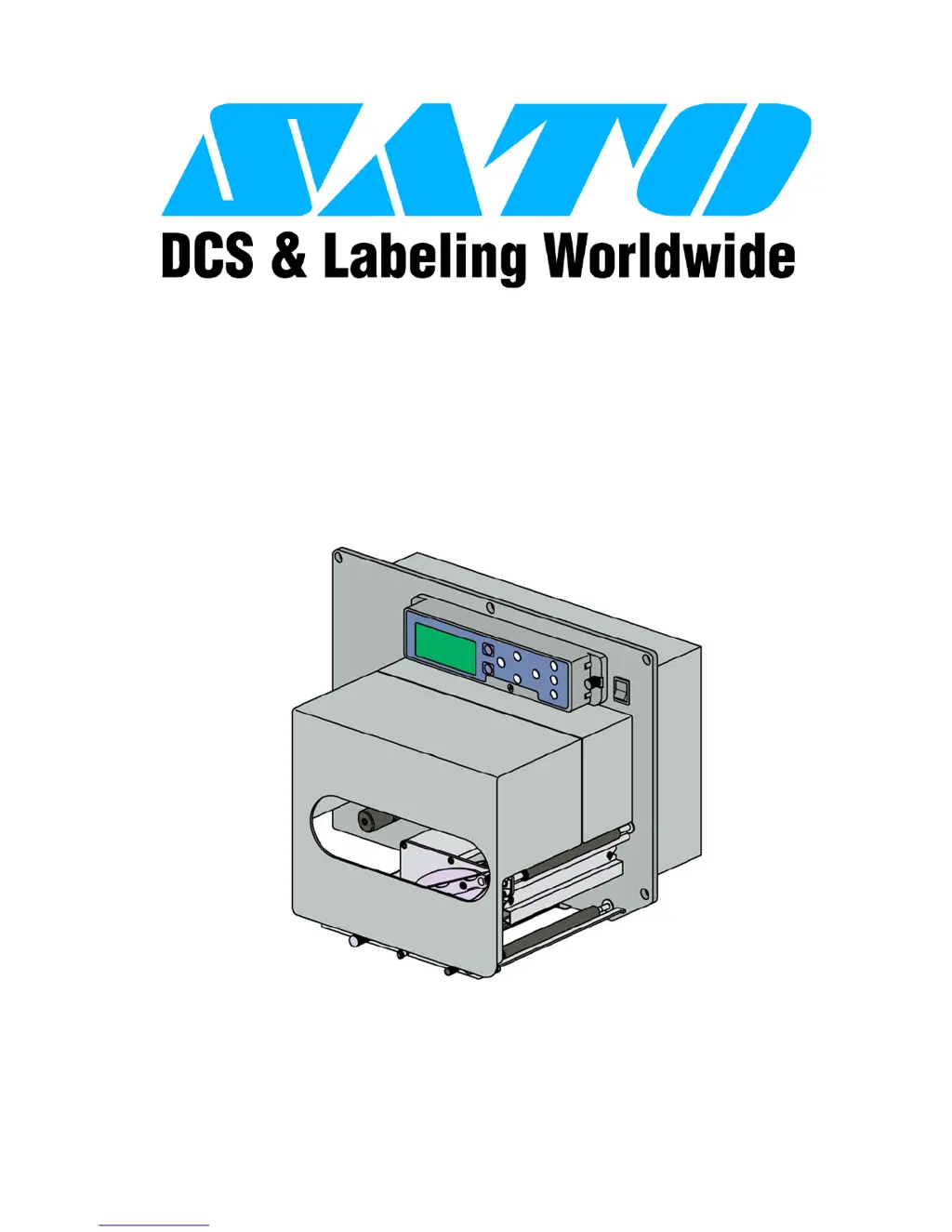
SATO LT408 - User Manual

SATO LT408
115 pages
Print Icon
To Next Page IconTo Next Page
Loading...
PN: 9001152A
Lt408
PRINT ENGINE
OPERATOR MANUAL

Table of Contents

Other manuals for SATO LT408

Questions and Answers

  • M
    Megan WallaceSep 10, 2025
    What does parity error mean on SATO LT408?
    • M
      meganjohnsonSep 12, 2025
      If your SATO Printer Accessories display an '03 Parity Error', ensure the correct communication parameters are set. Check the cables, cycle the printer, resend the data, or replace the board.
  • G
    gonzalezsarahSep 9, 2025
    What causes no label movement on SATO LT408 Printer Accessories?
    • D
      donaldjonesSep 9, 2025
      If your SATO Printer Accessories display 'No Label Movement', replace or adjust components as needed. Check the printer configuration for proper sensor selection, replace the fuse, test the power supply, and ensure the wiring harness connection.
  • D
    Daniel JohnsonSep 8, 2025
    Why is the media meandering in my SATO LT408?
    • P
      paulmcguireSep 8, 2025
      If your SATO Printer Accessories exhibit 'Meandering Media', ensure correct loading. Make any necessary adjustments or replacements.
  • S
    spearsjamesAug 22, 2025
    What to do if my SATO LT408 create a blank label?
    • K
      Kelly WilliamsAug 23, 2025
      If your SATO Printer Accessories are producing a blank label, ensure the correct data stream and printer configuration are set. Power off the printer, check the connection, and if needed, replace the print head or main board.
  • Z
    zbeltranSep 5, 2025
    What to do if SATO LT408 show head open error?
    • H
      hhooperSep 5, 2025
      If your SATO Printer Accessories show a 'Head Open Error', properly latch the print head. If the issue continues, replace the head-open switch.
  • H
    harryritterSep 4, 2025
    How to fix uneven print darkness on SATO Printer Accessories?
    • A
      Amy GarciaSep 4, 2025
      To fix 'Uneven Print Darkness' on your SATO Printer Accessories, adjust the head balance, replace the rollers as required, and clean the print head.
  • E
    Ethan ChanSep 3, 2025
    How to eliminate image voids on SATO LT408?
    • J
      Jonathan RuizSep 3, 2025
      If your SATO Printer Accessories are displaying 'Image Voids', try cleaning or replacing the print head. You may also need to replace the circuit board or rollers, use higher quality media, or consult with your media supplier.
  • C
    Christopher BradfordSep 2, 2025
    What to do if SATO LT408 Printer Accessories show sensor error?
    • W
      wrightmorganSep 2, 2025
      To resolve a 'Sensor Error' on your SATO Printer Accessories, ensure the media is properly loaded, clean the sensor transmit/receive surfaces, and ensure the correct sensor configuration. Replace the sensor if necessary.
  • M
    Melinda HawkinsSep 1, 2025
    Why is there incorrect label positioning on SATO LT408?
    • K
      kellylindsaySep 1, 2025
      To correct 'Incorrect Label Positioning' on your SATO Printer Accessories, ensure the correct printer configuration and data stream. Adjust sensor sensitivity and other settings as needed.
  • P
    Paul MasonAug 31, 2025
    What does error 01 mean on SATO LT408 Printer Accessories?
    • T
      tbarnettAug 31, 2025
      If your SATO Printer Accessories display an '01 Machine Error', ensure all wiring harnesses are properly connected. If the problem persists, replace the main circuit board.

Summary

TECHNICAL DATA

Printer Specifications

Details physical, power, environmental, processing, command, interface, and regulatory specifications.

INSTALLATION

Interface Selection

Lists and describes the five acceptable interface methods for printer connectivity.

PRINTER CONFIGURATION

Interface Setup Modes

Programming sequences for Parallel, Serial, LAN, USB, and Centronics interface setup.

TROUBLESHOOTING

Error Displays and Icons

Identifies LCD error signals, conditions, icons, and their descriptions for problem resolution.

Warning Signal Troubleshooting

Details printer warning signals, LED conditions, and descriptions for identifying issues.

Troubleshooting Table

Lists common print problems and provides potential solutions for image and media issues.

Interface Troubleshooting

Checklist for troubleshooting various interface types: Parallel, RS232, USB, LAN, Wireless, Centronics.

Test Print Troubleshooting

Instructions on using special printing to identify and resolve print problems using Hex Dump or Test Label.

MAINTENANCE

SATO LT408 Specifications

General IconGeneral
BrandSATO
ModelLT408
CategoryPrinter Accessories
LanguageEnglish

Related product manuals