EasyManua.ls Logo

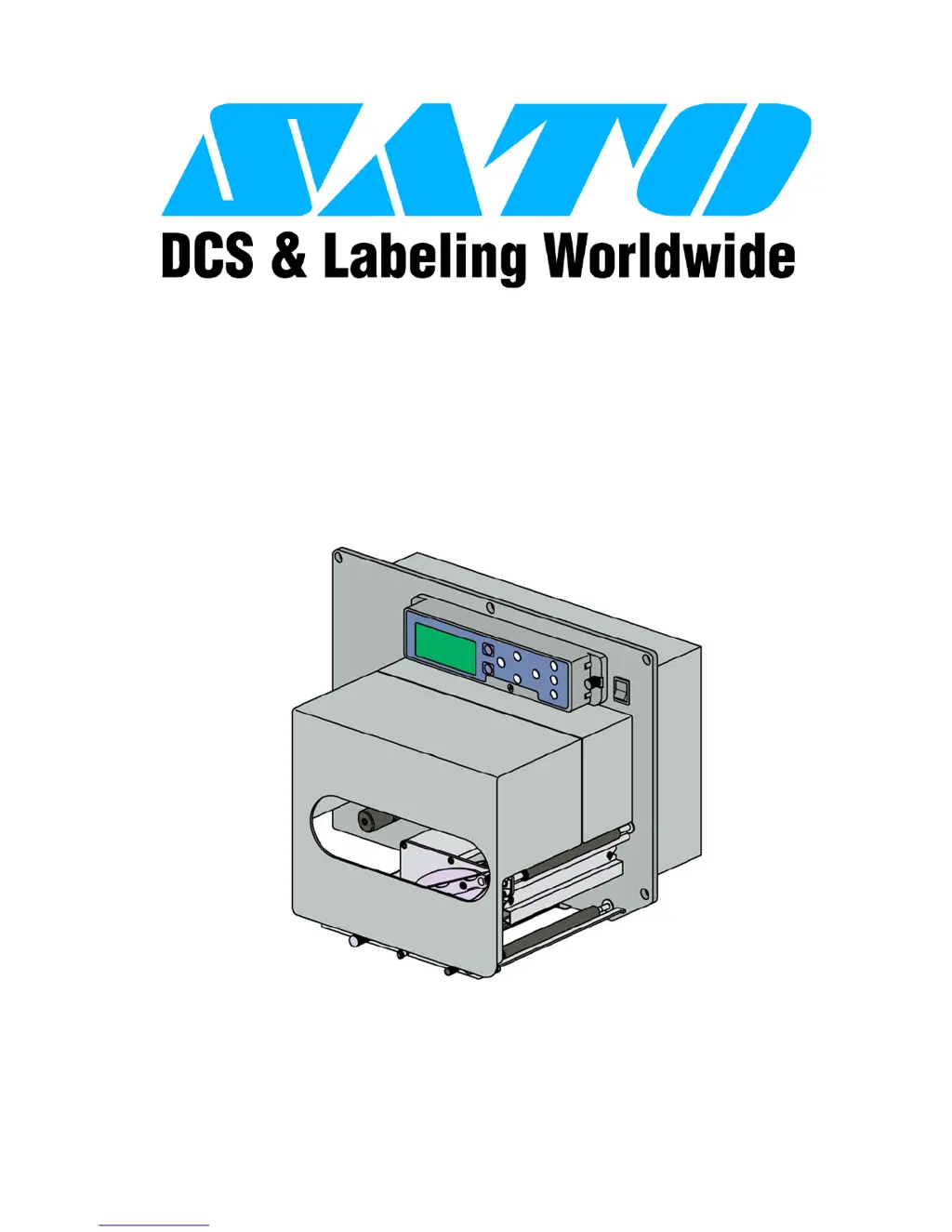
SATO LT408 - User Manual

SATO LT408
115 pages
Print Icon
To Next Page IconTo Next Page
Loading...
PN: 9001152A
Lt408
PRINT ENGINE
OPERATOR MANUAL

Table of Contents

Other manuals for SATO LT408

Questions and Answers

  • A
    Ariel GoodAug 29, 2025
    How to adjust light print images on SATO Printer Accessories?
    • F
      Frank MitchellAug 29, 2025
      If you are getting 'Light Print Images' on your SATO Printer Accessories, adjust the darkness level, head pressure, and/or balance. Clean the print head and rollers, align the print head as required, and reduce the print speed setting.
  • J
    Jacqueline BrooksAug 28, 2025
    What causes 'Ribbon End Error' on SATO LT408?
    • D
      Diana MathewsAug 28, 2025
      If you encounter a 'Ribbon End Error' on your SATO Printer Accessories, first ensure the ribbon stock is properly loaded and undamaged. Also, verify the printer configuration is correct.
  • A
    Angela GonzalezAug 27, 2025
    How to fix ribbon wrinkling on SATO LT408 Printer Accessories?
    • Q
      qroachAug 27, 2025
      To address 'Ribbon Wrinkling' in your SATO Printer Accessories, adjust the head balance and alignment, temperature, and tension as needed. Clean as required, use higher quality media, and replace the print head if necessary.
  • L
    Lori MeyersAug 27, 2025
    What to do for 'Paper End Error' on SATO LT408 Printer Accessories?
    • E
      Elizabeth NealAug 27, 2025
      To resolve a 'Paper End Error' on your SATO Printer Accessories, make sure the media is loaded correctly. Also, clean the sensor transmit/receive surfaces and ensure the correct sensor configuration.
  • K
    Katie BondAug 25, 2025
    How to fix no printed image on SATO Printer Accessories?
    • D
      Daniel LoveAug 26, 2025
      If your SATO Printer Accessories show no printed image, ensure the print head wiring harness is connected on each end. Also, replace the fuse and test the power supply, replacing it if necessary. You might also need to replace the print head and reset the counter, or replace the circuit board. Ensure the correct data stream is being used.
  • A
    April CookAug 25, 2025
    Why are the print images smeared on my SATO Printer Accessories?
    • C
      chelsea63Aug 25, 2025
      If you're experiencing smeared print images with your SATO Printer Accessories, try using higher quality media. Also, clean the print head and rollers, adjust the darkness setting, and adjust the print speed as needed.

Summary

TECHNICAL DATA

Printer Specifications

Details physical, power, environmental, processing, command, interface, and regulatory specifications.

INSTALLATION

Interface Selection

Lists and describes the five acceptable interface methods for printer connectivity.

PRINTER CONFIGURATION

Interface Setup Modes

Programming sequences for Parallel, Serial, LAN, USB, and Centronics interface setup.

TROUBLESHOOTING

Error Displays and Icons

Identifies LCD error signals, conditions, icons, and their descriptions for problem resolution.

Warning Signal Troubleshooting

Details printer warning signals, LED conditions, and descriptions for identifying issues.

Troubleshooting Table

Lists common print problems and provides potential solutions for image and media issues.

Interface Troubleshooting

Checklist for troubleshooting various interface types: Parallel, RS232, USB, LAN, Wireless, Centronics.

Test Print Troubleshooting

Instructions on using special printing to identify and resolve print problems using Hex Dump or Test Label.

MAINTENANCE

SATO LT408 Specifications

General IconGeneral
BrandSATO
ModelLT408
CategoryPrinter Accessories
LanguageEnglish

Related product manuals