DB-BA-e-2020 5
6 Operating the torque measuring instrument DB
6.1 Before commissioning
It must be ensured that the measuring plate is neither loaded nor exposed to any other
force when the device is switched on.
6.2 Switching on the device
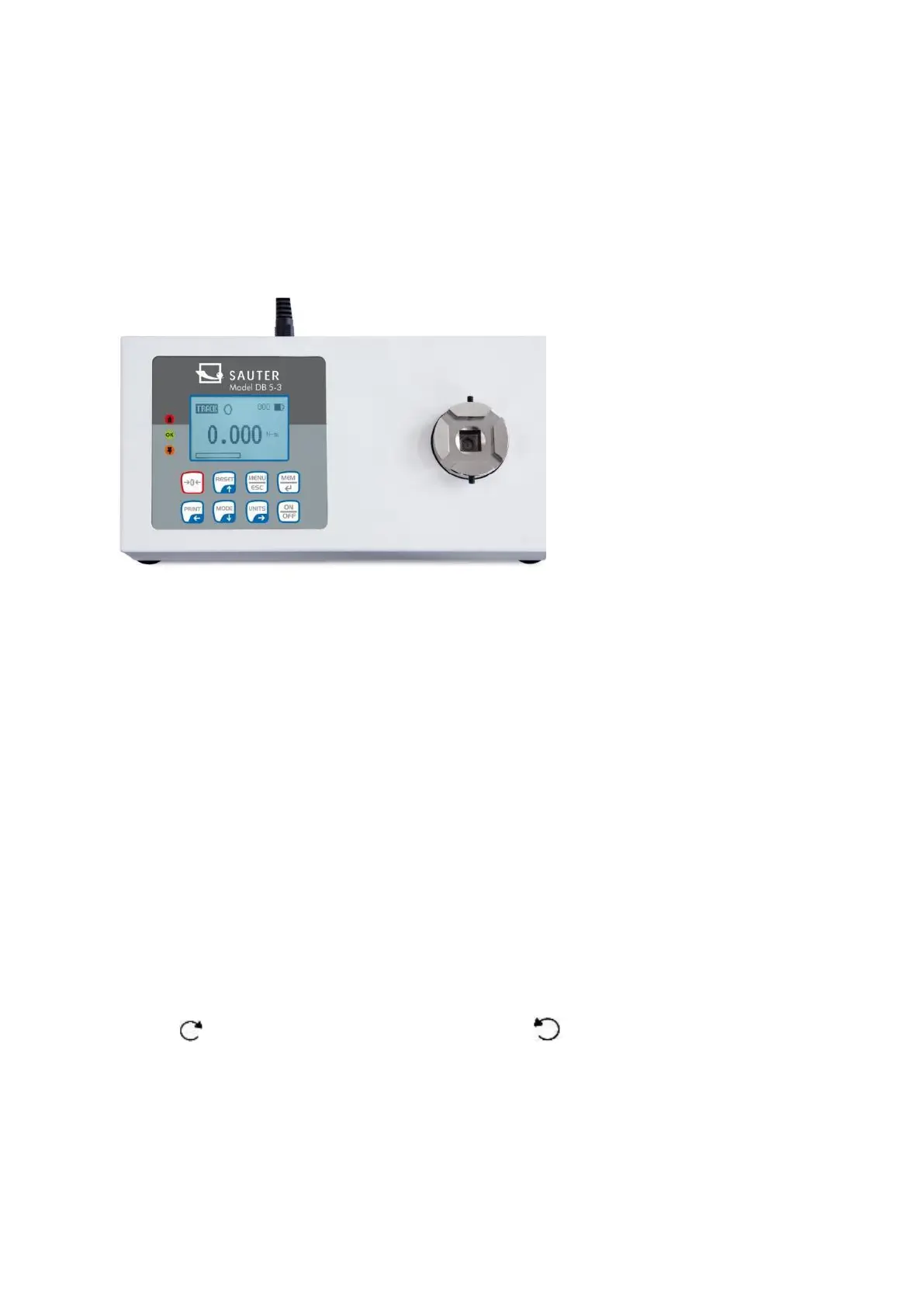
There are 8 keys arranged on the control panel.
To switch on the device, press the ON/OFF button. A brief autotest will then be
performed, during which the display will show the permissible load value in Newtons.
As soon as the autotest is performed, zero values are displayed, provided that the
measuring plate is unloaded. This is because the meter is automatically zeroed during
the autotest procedure.
Please do not overload the load sensor! Risk of irreparable damage! If the torque
value exceeds 120% of the full scale range, an acoustic signal is triggered and the
symbol OL (eng. overload) appears on the display. If this is the case, remove the test
load and then press the RESET key.
Pressing the ON/OFF key switches the unit off.
When switching off, all current settings are saved, so that the same operating mode is
selected when switching on again.
6.3 Basic functions of the device
The torque gauge can display the torque value for both clockwise (clock-wise, CW,
symbol: ) and counter-clockwise (CCW, symbol: ) operation.


 To Next Page