DB-BA-e-2020 7
6.3.4 Changing the measuring mode
The following measuring functions are available: Track, First Peak-Torque and Peak-
Torque.
The measuring function is changed by pressing the MODE button. Pressing this key
again selects the following measuring function until the originally set function is
displayed.
6.3.5 Track function
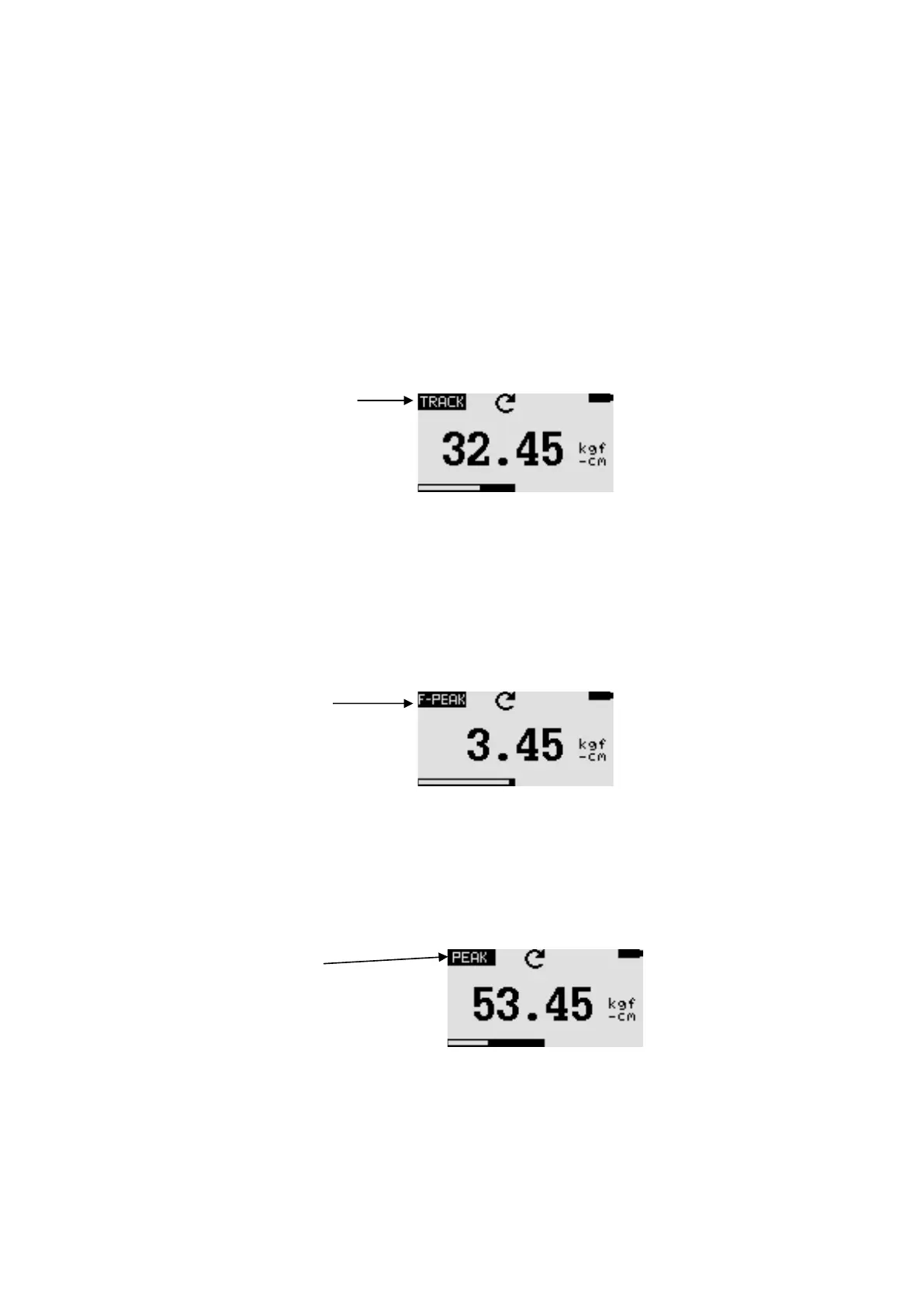
Press and hold the MODE button until the display shows the name of the measurement
function "Track". The torque value for the rotation detected by the load sensor is
displayed. The measurement results are displayed continuously:
Symbol of the track function
6.3.6 first peak torque function
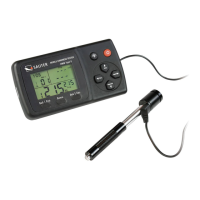
Press and hold the MODE key until the display shows the designation of the measuring
function "F-Peak". The first torque peak value is displayed:
Symbol of the
first-peaktorque function
6.3.7 Peak torque function
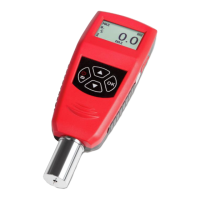
Press and hold the MODE key until the display shows the name of the measurement
function "Peak". The highest measured torque value is displayed:
Symbol of the
Peak torque function
6.3.8 Resetting the device
Stored peak values of both types are deleted with the RESET button. This also enables
the acquisition of further peak values.


 To Next Page