FH-BA-e-2430 en | 19
8.5 Backlight
8.6 PEAK
Assignment with three functions:
Track mode (continuous measurement)
Peak mode (peak value recording)
Auto-peak mode, like peak function, but without minimum limit function
8.7 MEMORY
Saves the peak value for calculating the average value of the measurement
results (see section Saving peak values)
8.8 Delete function
Deleting memory values (only in "Memory" mode)
8.9 PRINT
Output of the memory contents to PC or printer
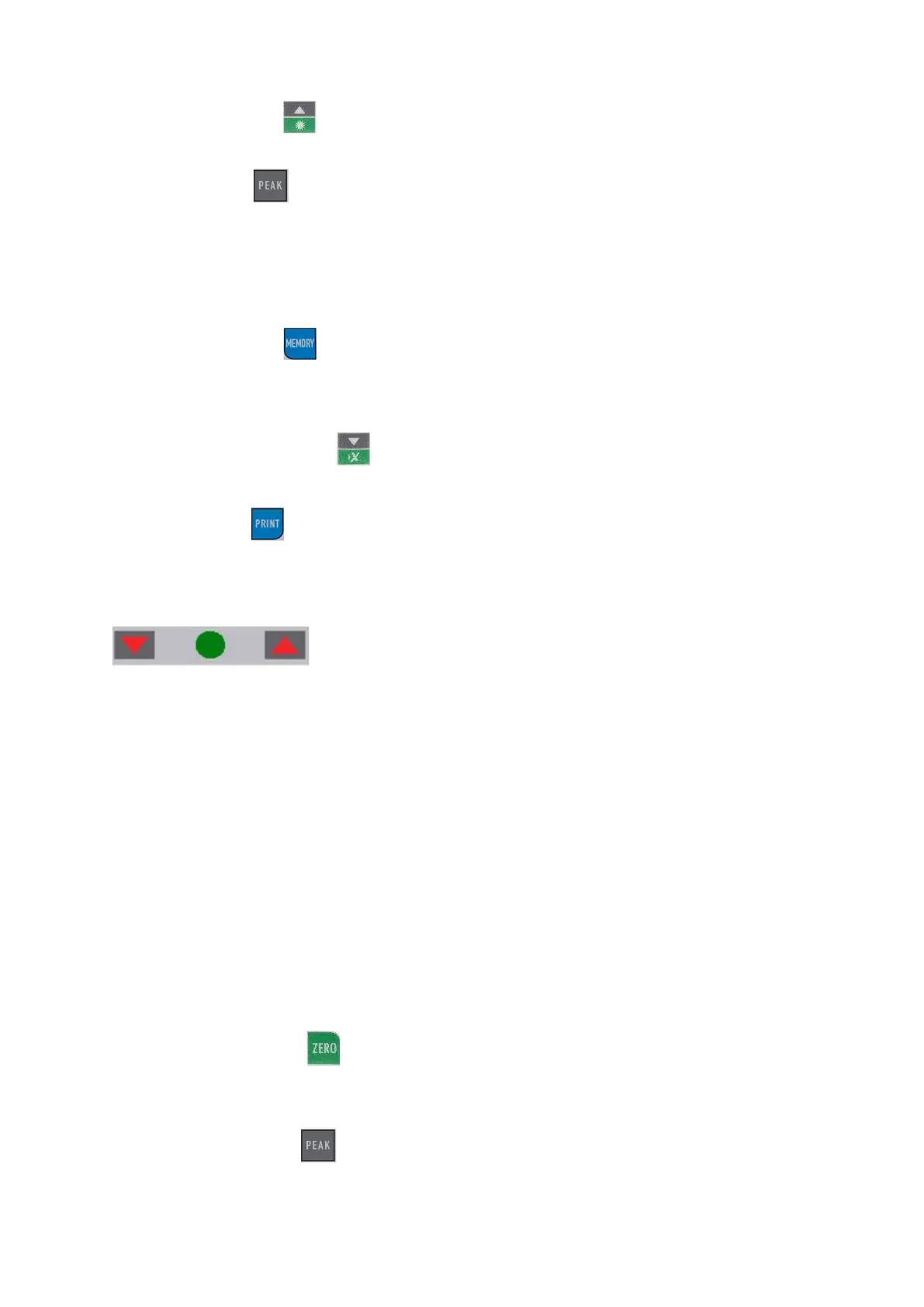
8.10 Limit value display Good / Bad
LED display for good / bad tests
▼ Below the lower limit value
● Indicates when the STOP value has been reached
▲ Exceeding the upper limit value
An upper and a lower limit value can be programmed. The measuring device compares
the measurement result with the limit values and displays the result in red or green
light diodes and with an acoustic signal.
For setting the limit values, see SET menu under "Buttons"
8.11 Simple measurement
Display (pos. 1) of the currently acting force and direction of force (pos. 7; arrow)
Zero setting through:
8.12 Peak hold function
Switch by pressing:



 To Next Page