FL-BA-e-2020 19
5. To calibrate in the voltage direction: use the UP and DOWN arrow keys to select
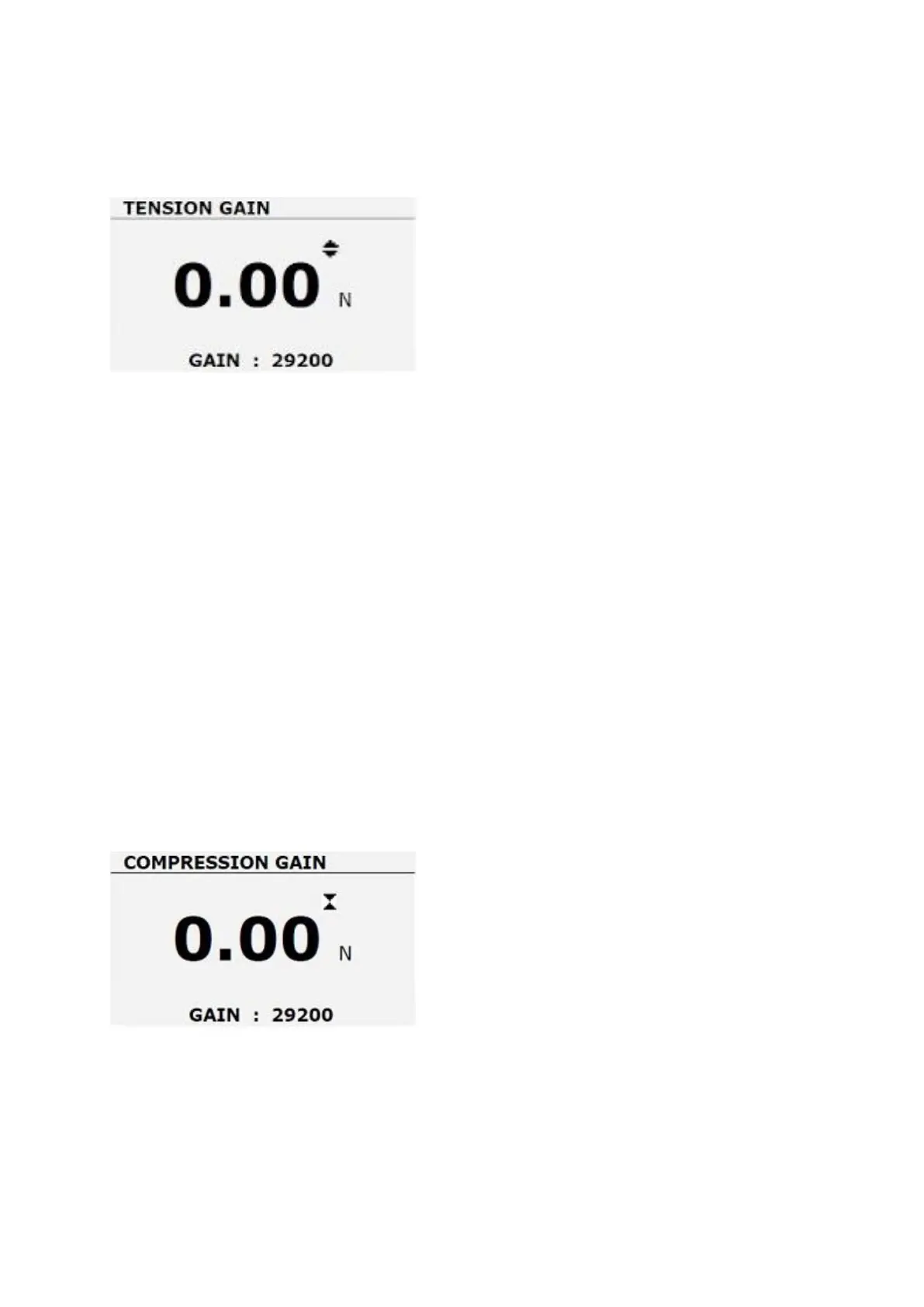
TENSION GAIN in the calibration menu and then press ENTER. The display
shows a menu window for voltage increase.
5.1. Zero voltage
• Set up the measuring device together with the necessary accessories for
performing the voltage calibration
• apply a force of 100% of the meter's power to the weight
• Remove the load, leave the device standing
• as soon as the display becomes stable, press the ZERO key to save the zero
display
5.2. maximum stress
• apply the voltage force of 100% of the meter power
• Calibrate the voltage increase with the UP and DOWN arrow keys and RIGHT
and LEFT until the meter displays the maximum voltage result
• touch the ENTER key to save the results for the entire voltage scale.
6. Compression calibration: In the calibration menu, use the UP and DOWN arrow
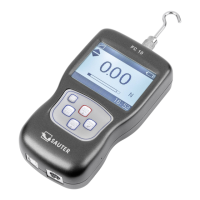
keys to select the COMPRESSION GAIN menu function and then press ENTER.
The display will show a menu window for compression gain.



 To Next Page