FL-BA-e-2020 9
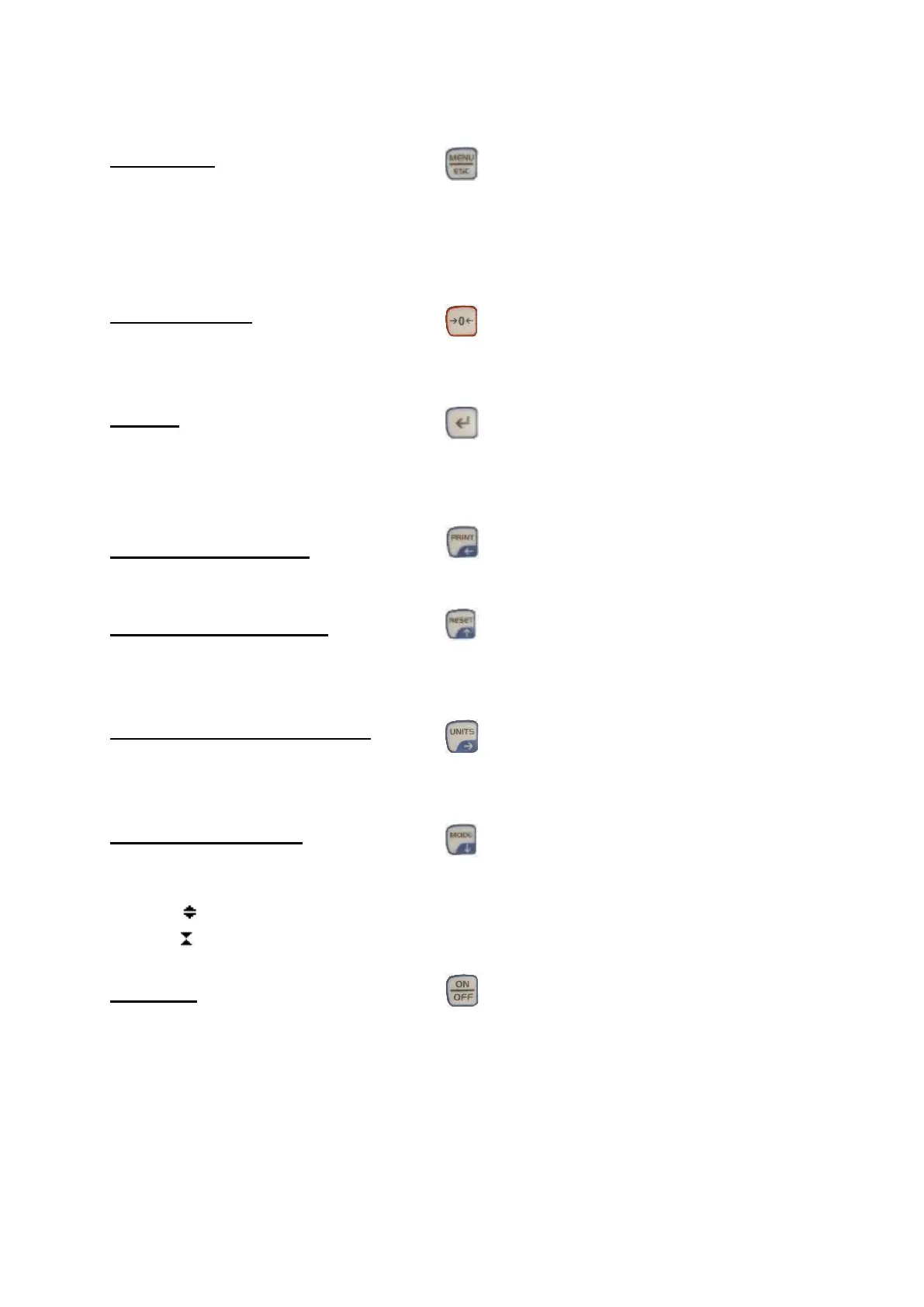
7 Control buttons
MENU/ESC:
• Opens the menu window with the individual submenus
• By pressing the MENU/ESC button in the menu, you can return to the previous
page
ZERO (zeroing):
• Zeroing the display in track mode (tare function)
ENTER:
• Confirm the selection in the menu
• Saving a measured value in PEAK mode
PRINT (print function):
• Output of the memory contents to PC or printer
RESET (delete function):
• Delete the current PEAK value
UNIT (units of measurement):
• Press the key briefly: Switch between N, gf, kgf, ozf, lbf, mN
Mode (mode change):
Assignment with three functions:
• Track mode (continuous measurement)
• Peak Mode Train
• Peak Mode Print
ON / OFF:
• On / Off button (press button for approx. 1 s)



 To Next Page