D100 BT
12
PRESET STATIONS
1. The preset stores favorite stations for easy access. It presets up
to 10 DAB radio stations.
2. To preset a station, hold and press a specic number (from
1-10) until the “Preset X Saved” message appears.
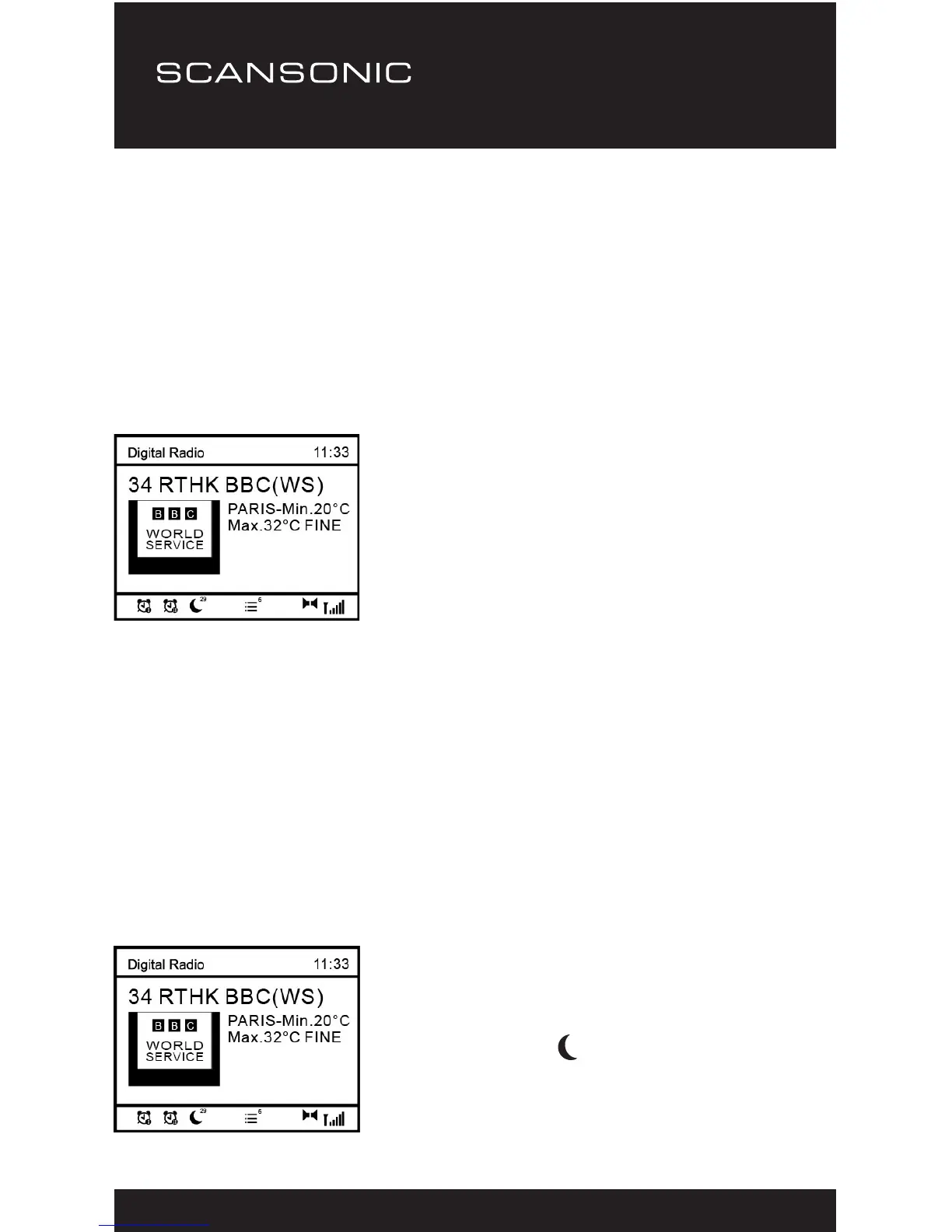
3. The station is now successfully saved against the selected
preset number. You will see the icon at the bottom of display
which shows the corresponding number of preset.
PRESET RECALL
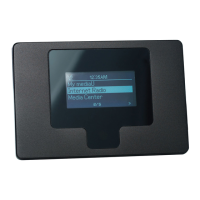
1. To recall the preset list, press
the <Recall> button and it will
display the list of the presets
you have saved.
2. Alternatively, you can press
a specic number to recall a
specic radio station.
SLEEP TIMER
The radio will turn off by itself after a selected time frame is due.
1. Press <Sleep> button on your remote control. Press it
repeatedly to cycling through the timer option available
from15 minutes, 30 minutes, 45 minutes, 60 minutes,
90 minutes or OFF.
2. Press the <Select> button to conrm your choice. The radio will
turn to standby when the time is due.
3. If you wish to cancel the sleep
timer, choose “OFF” from the
sleep timer option.
4. The timer will display at the
bottom of the playing screen.


 To Next Page