5
D100 BT
RADIO MODE
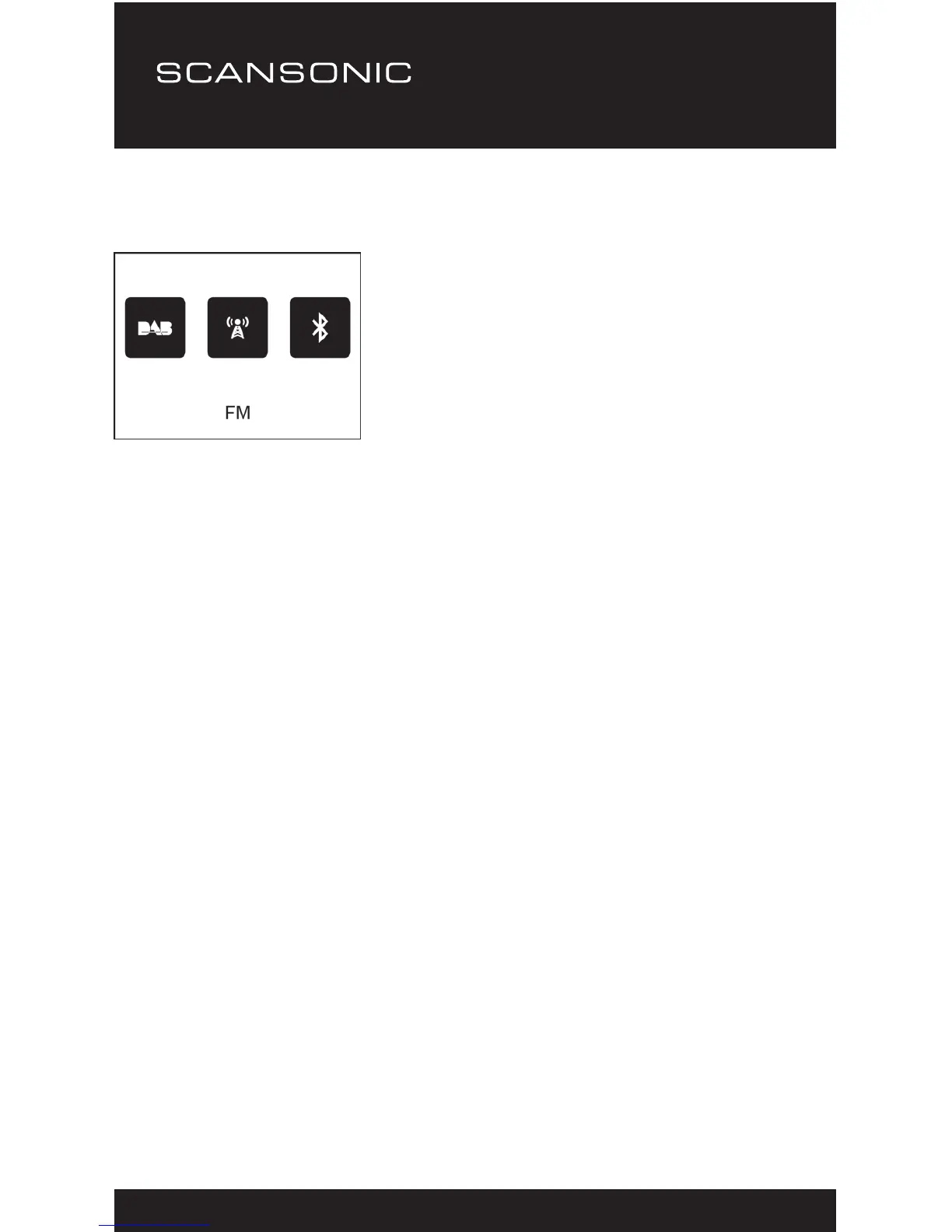
There are 3 radio modes available:
○ Digital Radio (DAB)
○ FM Radio
○ Bluetooth
Press the <Mode> button
repeatedly to select the mode
you desire.
DAB RADIO OPERATION
1. Choose the DAB mode and press <Select> to conrm.
2. If no DAB radio stations have been received before, press the
<Scan> button and it begins to full scan the DAB stations.
3. After scanning is completed, the radio of the stations will list in
alphanumeric order and begin playing the rst station.
4. The radio will play the last listened station when it is returned to
previous state of mode (DAB or FM).
DAB Slideshow
Our radio supports DAB slideshow. If there are images transmitted
by the broadcaster, you will see the image appeared on the playing
screen.
To start the slideshow, press the <Select> button. The image will
be enlarged with the radio text scrolling under the image. Press
the <Select> button again and it will be enlarged to the full screen
size. Whenever you want to resume to the playing screen, press
the <Select> button again.


 To Next Page