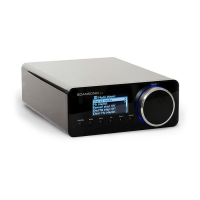
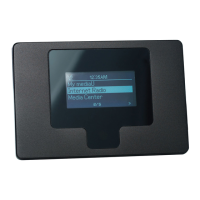
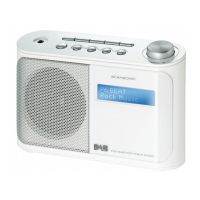
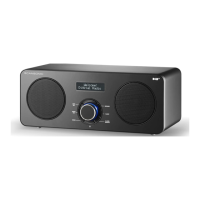
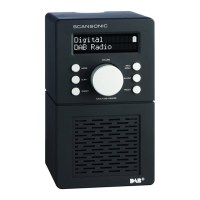
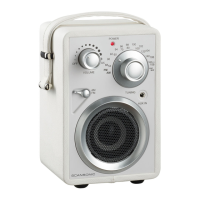
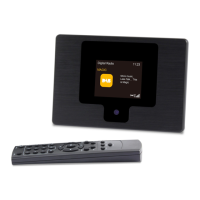
01 Display OLED display is showing all information on the radio
02 Speaker 3” fullrange loudspeaker
03 Alarm Alarm control and settings
04 Snooze Press to snooze 5 minutes
05 Sleep Sleep timer control and settings
06 Mode Press to select DAB radio, FM radio or AUX input
07 Info In DAB mode: Press to select information shown on the display: Signal
strength, Date, Genre, Data speed, Radio text, Station frequency and
Station provider
In FM mode: Press to select information shown on the display: Station
frequency, Radio text, Genre, Date
08 Preset 1-4 Press and hold for setting station as preset1
09 Power/dimmer Press and hold to turn on or switch off radio. To dim the light in the
display press button, there are 7 steps.
10 Tune Press for station scanning in DAB mode and autotune in FM mode
11 Volume- Press to decrease volume
12 Volume+ Press to increase the volume
13 Keylock Kensington lock to prevent from theft
14 Aux in Connect a stereo or mono audio source ( like iPod, MP3-player, TV or
CD-player ) to this stereo input. Use 3,5mm jack to connect devices to
the radio.
15 Line out This radio can be used as a separate stereotuner by connecting it to an
stereoamplifier. Use 3,5mm jack to connect the radio to amplifier
16 Headphones Connect a separate stereoheadset to this input to listen to the radio with
headset. Inserting a headset will turn off the main speaker
17 12v DC Use this input to the Scansonic R3 DC power supply
18 Antenna The radio comes with a telescope antenna. To improve FM reception,
adjust the antenna for best reception. The telescope antenna can be
detached with the tool included in the giftbox so a coaxial antenna cable
or outdoor antenna can be connected to this connector
19 Porttube Bass reflex porttube for better sound quality



 To Next Page