Instruction Manual MP 22-T Display Panel
5
Date: 28.05.2014
831.416 BA / EN
3.3 Battery and tank disp lay
Y The MP 22-T display panel must be switched on to be able to display
battery and tank values.
" Turn on MP 22-T display panel (see section 3.2).
3.3.1 Battery voltag es and current of living area battery
1
2
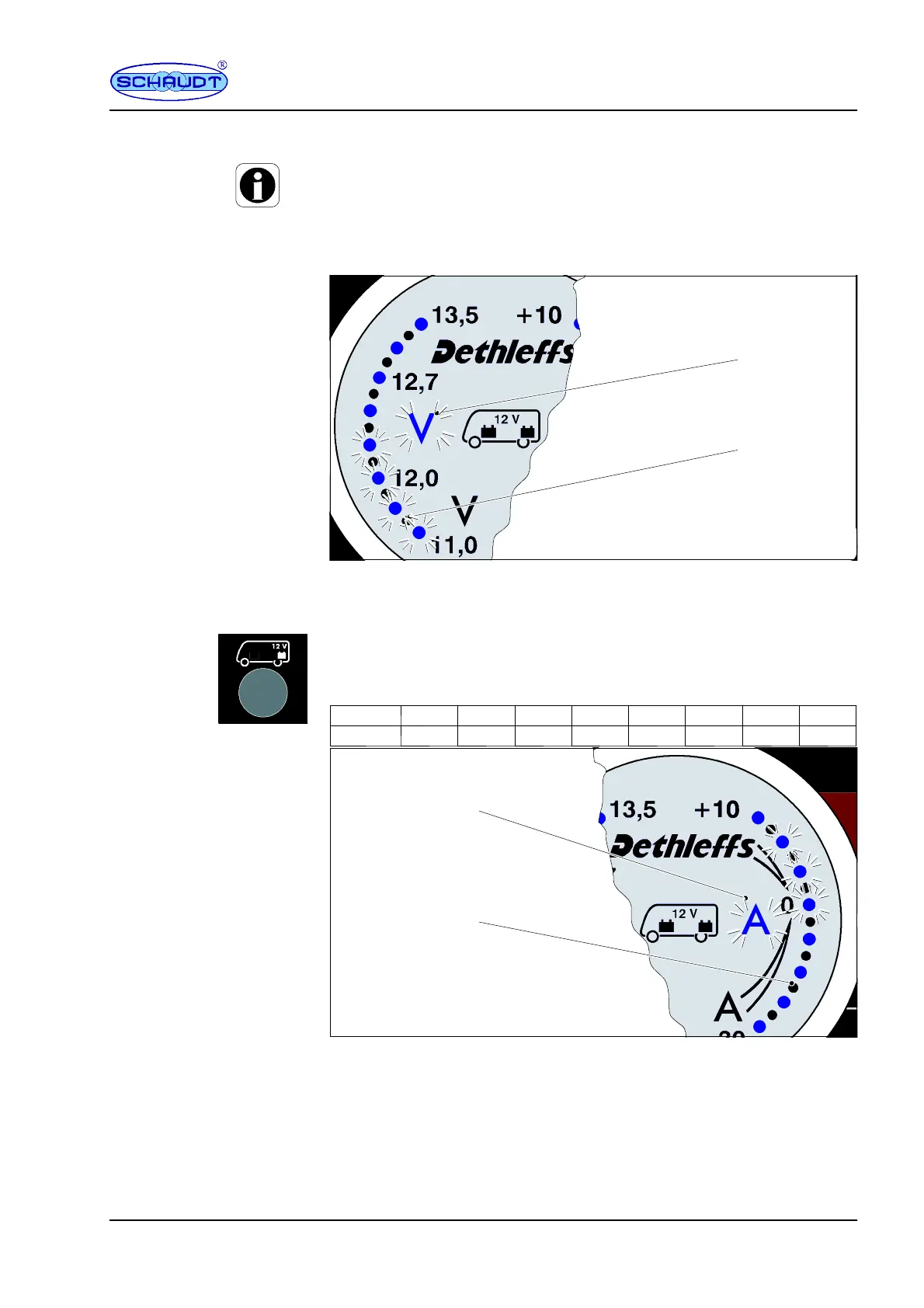
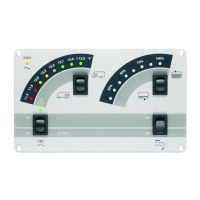
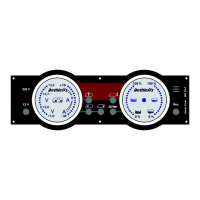
Bild 2 Battery display -- example: Living area battery voltage 12.2V
" Press the ”Living Area Battery” button once (underneath the living area
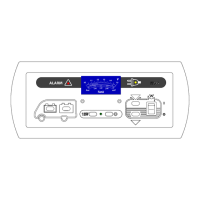
battery symbol, Fig 1, Pos. 6).
F The ”V olt” symbol lights up (Fig 2, Pos. 1).
F The voltage of the living area battery is displayed in the ”Batteries”
display field (left scale, Fig 2, Pos. 2), 12.2V in this example.
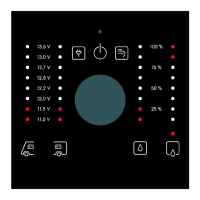
Blue LED 1. LED 2. LED 3. LED 4. LED 5. LED 6. LED 7. LED 8. LED
Voltage < 11.0V 11.5V 12.0V 12.2V 12.5V 12.7V 13.0V >13.5V
1
3
Bild 3 Battery display -- example: Living area battery current; charging with 3A
F The ”Ampère” symbol lights up red or white (Fig 3, Pos. 1).
-- red: the battery is currently being heavily discharged
with more than 10A
-- white: the battery charge/discharge is in the
normal range
F The current of the living area battery is displayed in the ”Batteries”
display field (right scale, Fig 2, Pos. 2), +3A in this example.
Voltage and current,
living area battery


 To Next Page