www.scheer-heizsysteme.de
MH-SERIES
Change the system settings
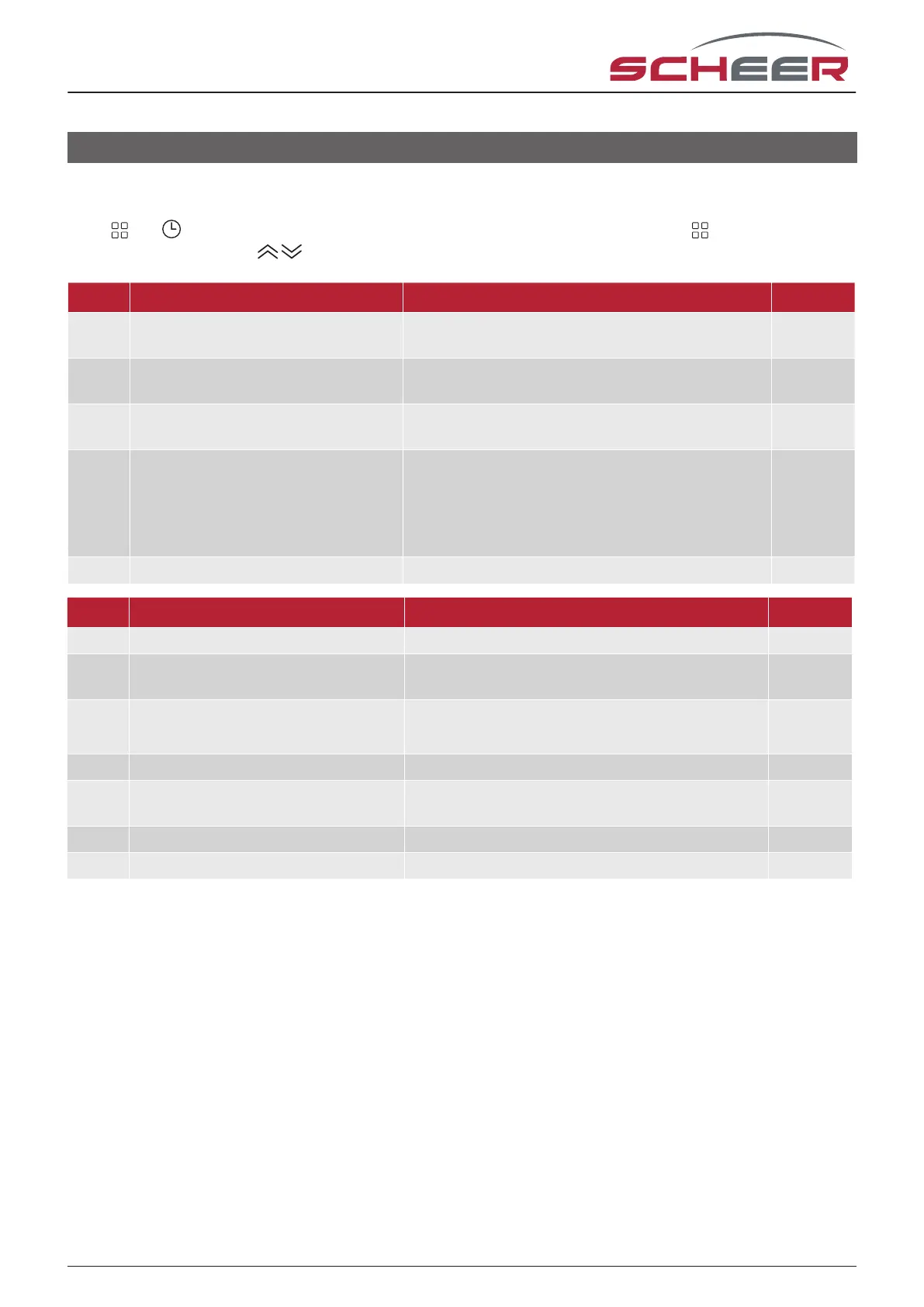
Turn o the device.
Press and at the same time for 5 seconds to get to the system settings. Then press to cycle through the
available settings and use to change the parameter values. All changes will be saved automatically.
code function setting an options default
1 temperature
compensation
-7 bis +9°C {for internal sensor) -1
2 deadzone
temperature
1-5°C 1
3 button locking 00: all buttons locked exept on/o
01: all buttons locked
01
4 sensor types In: Internal Sensor (to control the temp.)
Ou: External Sensor (to control the temp.)
AL: Internal/ External Sensor (Internal sensor to
control the temp., external sensor to limit the
oor temp.)
AL
5 min. set tempature 5-15°C 05
code function setting an options default
6 max. set temperature 15-45 °C 35
7 display mode
00: display of set temp. and room temp.
01: display of only set temp.
00
8 low temperature protection setting 0-10°C 00
9 high temprature protection setting 25-70°C 45
A economy mode
00: non-energy saving mode
01: energy saving mode
0
B economy temprature 0-30°C 20
C standby brightness 3-99 20
14



 To Next Page