Need help?
Do you have a question about the Schiit MODI 2 and is the answer not in the manual?
Connect the Modi 2 to your computer's USB port using a USB 2.0 cable.
Connect the RCA jacks to your amplifier, preamplifier, or receiver.
Select Modi as the audio output in your computer and player software. Install drivers if needed.
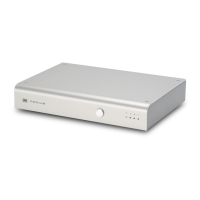
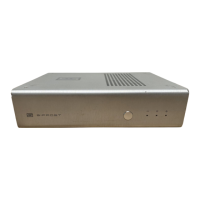
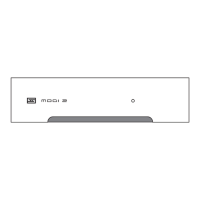
The indicator light confirms the Modi 2 is powered up when connected to an active USB port.
 General
| DAC Chip | AKM AK4490 |
|---|---|
| USB Input | USB 2.0 |
| Digital Inputs | USB, Optical, Coaxial |
| Analog Output | RCA |
| Output Impedance | 75 ohms |
| Dimensions | 5 x 3.5 x 1.25 inches |
| Category | Digital to Analog Converter |
| Supported Sample Rates | Up to 192kHz |
| Bit Depth | 16-bit, 24-bit |
| Power Supply | USB Bus Powered |

 To Next Page