EasyManua.ls Logo

Schiit MODI UBER - User Manual

Default Icon
4 pages
Print Icon
To Next Page IconTo Next Page
Loading...
DIGITAL TO ANALOG CONVERTER
IN NORsE myThOLOGy, mODI wAs ONE Of ThOR’s sONs.
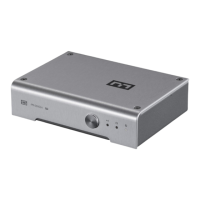
hERE, mODI 2 ubER Is A TINy, fuLL-fEATuRED DAC.
KINDA LIKE A mINI bIfROsT, yOu KNOw.
bECAusE yOu shOuLDN’T hAVE TO spEND A mINT fOR GREAT sOuND.
OR fOR A TON Of INpuT fLExIbILITy.
hOOK IT up, AND ENjOy sOmE GREAT musIC TODAy!
MODI UBER
OwNER’s mANuAL
Question and Answer IconNeed help?

Do you have a question about the Schiit MODI UBER and is the answer not in the manual?

Summary

Modi Uber Owners Manual

Connections Guide

Power and USB Source Connection

Connect the 16VAC wall-wart for power and your USB source to the Modi Uber.

Digital and Analog Output Connections

Connect optical, coax digital inputs and RCA audio outputs to your amplifier.

Controls and Indicators

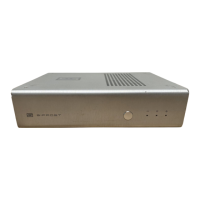
Input Selection Button

Press the button to cycle through and select the desired input source.

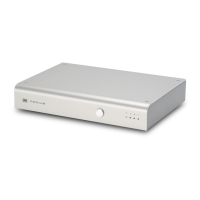
Source Indicator Lights

Lights indicate selection of USB, optical, or coaxial digital sources.

2-Year Limited Warranty

Schiit MODI UBER Specifications

General IconGeneral
BrandSchiit
ModelMODI UBER
CategoryMedia Converter
LanguageEnglish

Related product manuals