CONTROLs
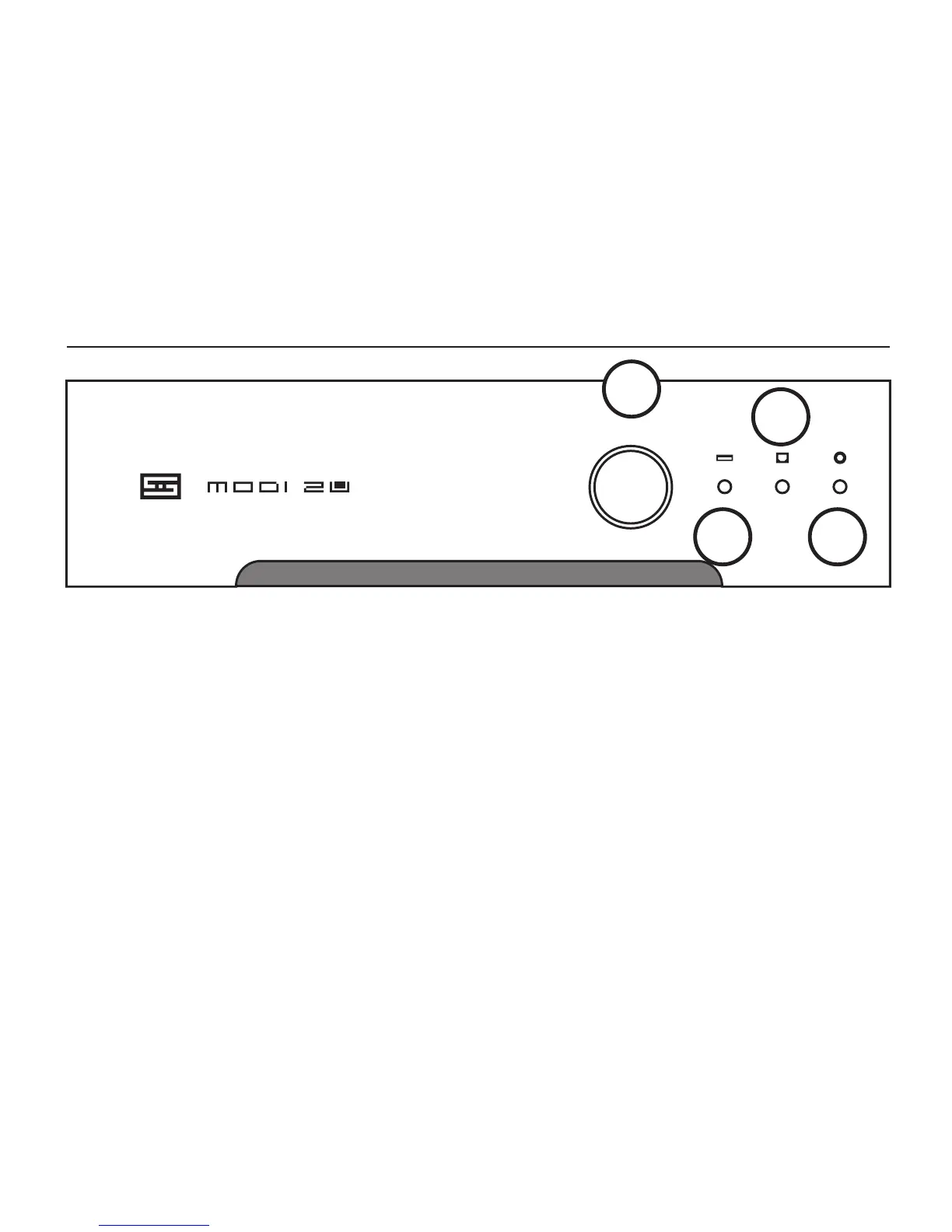
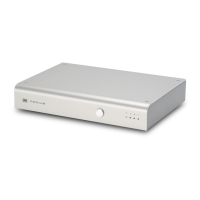
1 Press the button to cycle through the three
inputs and select the one you want to listen to.
2 This light turns on when you’ve selected a USB
source. The USB input is self-powered, so it does
not require power from your computer or other
USB source to run. However, Modi Uber will have
to be turned on for your computer to “see” the
USB input.
1
2
3
4
3 This light turns on when you’ve selected an
optical source. Simple enough.
4 This light turns on when you’ve selected a
coaxial digital source. But you already knew that.
And that’s it. This is a really simple device. Why
don’t you have a listen now?



 To Next Page